
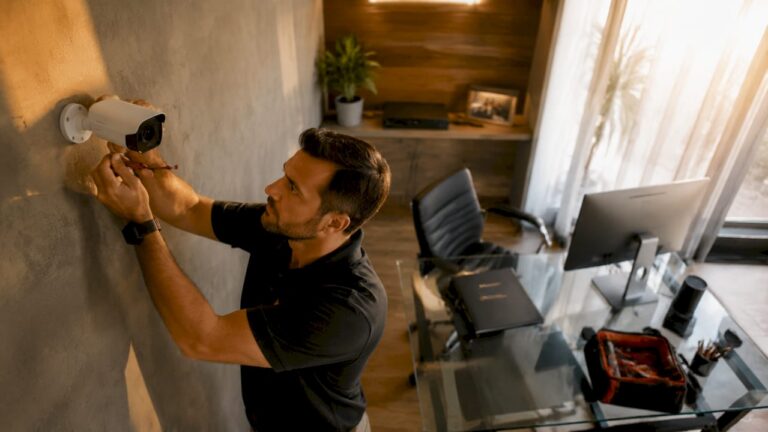
Professional-grade security cameras for home offices are defined as PoE-wired IP camera systems connected to a local NVR, delivering 4K resolution, AI-powered alerts, and continuous recording without monthly subscription fees. These systems differ fundamentally from consumer Wi-Fi cameras sold at big-box retailers. Remote workers and home office managers who handle sensitive client data, valuable equipment, or staff need that level of reliability. Employee theft alone costs U.S. businesses roughly $50 billion annually, which means even a small home office carries real financial exposure.
What makes security cameras ideal for home office use?
The right surveillance system for a home office is not the same as a doorbell camera or a basic Wi-Fi webcam. Home office surveillance, also called CCTV or closed-circuit television, requires specific technical features to handle continuous recording, remote access, and workplace liability documentation.
Key features that separate professional systems from consumer cameras:
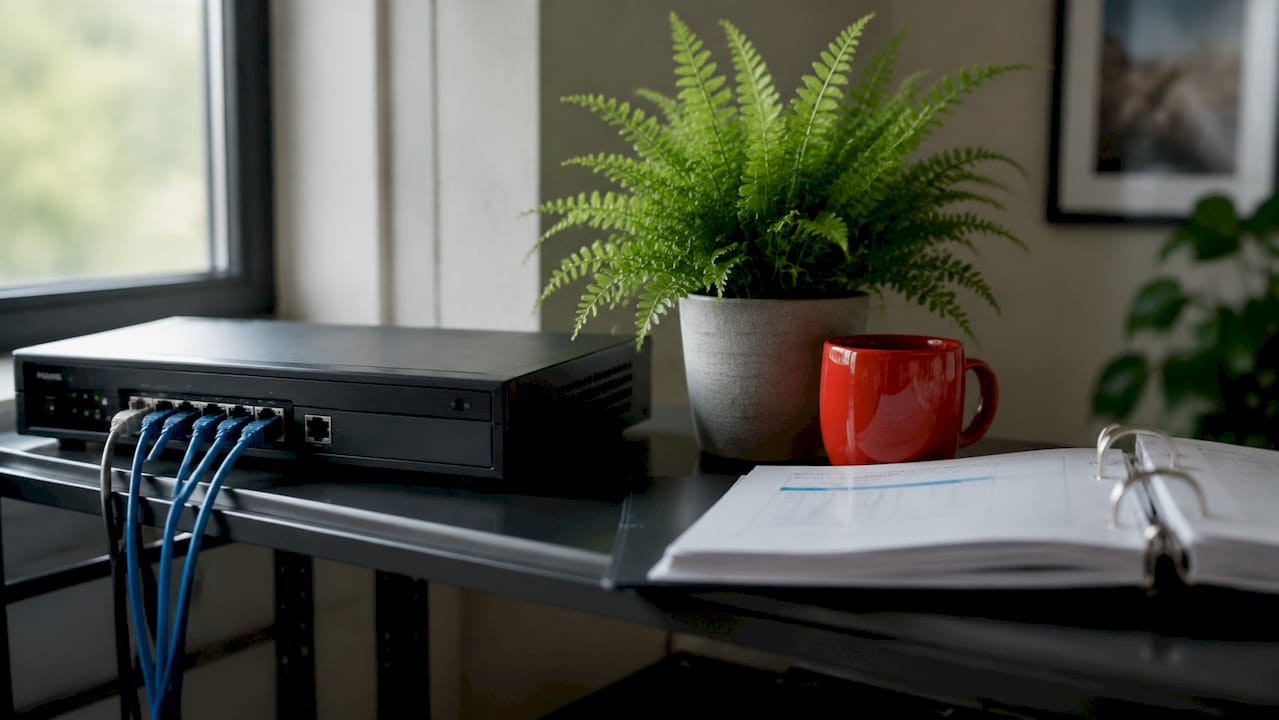
- PoE wiring. A single Cat6 cable carries both power and data, eliminating wireless signal drops and bandwidth competition with your video calls and file transfers.
- Local NVR storage. Local storage avoids recurring monthly cloud fees and keeps your footage off third-party servers, which matters when you record client meetings or proprietary work.
- 4K resolution. 4K cameras capture enough detail to identify faces and read documents at a distance. 1080p cameras often fall short when footage is used for workplace liability claims.
- AI analytics. Modern systems detect specific events like unauthorized entry, loitering, or safety incidents rather than triggering on every passing shadow.
- Audio disabled by default. Audio recording often violates two-party consent laws, so professional setups disable it entirely. Video-only recording is the standard for office environments.
Pro Tip: If your home office handles HIPAA-regulated data or legal documents, local NVR storage is not optional. Cloud cameras that transmit footage to vendor servers can create compliance exposure.
For a deeper look at how wired and wireless systems compare in real-world conditions, the wired vs. wireless breakdown from Central Jersey Security Cameras covers the practical trade-offs clearly.
Top 7 camera systems for home office surveillance
Ranked by use case and performance
1. Multi-lens PoE NVR systems (best overall)
Multi-lens PoE NVR packages, such as the Eufy PoE NVR Security System S4 Max, combine a central recorder with four or more cameras in one purchase. These systems support 4K recording, local storage on a built-in hard drive, and remote viewing through a mobile app. They are the strongest choice for home offices with multiple rooms, a separate entrance, or a detached workspace. Setup requires running Cat6 cable, but the reliability payoff is significant.
2. Discreet indoor IP cameras (best for minimal visual impact)
Some home office managers prefer cameras that blend into the environment rather than announce their presence. Small-form IP cameras mounted near ceiling corners cover wide angles without dominating the room. These cameras still connect to a local NVR and record continuously. They work well in client-facing spaces where a large dome camera might feel intrusive.
3. Solar-powered wireless cameras (best for detached or remote offices)
Running Cat6 cable to a detached garage office or a backyard studio is not always practical. Solar-powered wireless cameras solve that problem by charging continuously during daylight and storing footage locally on a card or syncing to a local NVR over Wi-Fi. They are the right call for exterior coverage of a detached workspace where trenching cable is cost-prohibitive.
4. AI-powered person-tracking cameras (best for safety monitoring)
AI-powered cameras actively detect safety incidents like unauthorized access, falls, or unusual behavior in real time rather than simply recording events after the fact. This transforms the camera from a passive recorder into an active safety tool. For home offices with employees or regular contractors on-site, this capability directly supports best cameras for employee safety monitoring requirements. These systems monitor continuously without transmitting raw video to the cloud.
5. PTZ cameras (best for large open spaces)
Pan-tilt-zoom cameras cover large areas with a single unit by rotating and zooming on demand. A PTZ camera positioned in a corner of a large home office can cover the entire room and zoom in on a specific desk or doorway when triggered by motion. They reduce the total number of cameras needed in open-plan spaces.
6. Active deterrence cameras (best for exterior entrances)
Active deterrence cameras combine a visible warning light and an audible alert when motion is detected. Placing one above the front door or at a basement entry point stops most opportunistic intrusions before they happen. These cameras are especially effective for securing business exterior entrances and for anyone who needs to secure a front door with cameras or secure a basement entry with cameras. The visible deterrent effect is well-documented in professional security practice.
7. Budget PoE cameras with NVR (best for cost-conscious setups)
Not every home office needs a premium multi-lens system. Entry-level PoE cameras from established manufacturers like Reolink deliver solid 4K or 5MP resolution and connect to an affordable NVR. These systems still provide 24/7 local recording without subscription fees and support remote viewing. They are the right starting point for solo remote workers who want professional reliability without a large upfront investment.
Pro Tip: Buy your NVR with at least two empty hard drive bays. As your storage needs grow, adding a second drive costs far less than replacing the entire recorder.
| Camera type | Best for | Storage | Subscription needed |
|---|---|---|---|
| Multi-lens PoE NVR | Multi-room home offices | Local NVR HDD | No |
| Discreet indoor IP | Client-facing spaces | Local NVR HDD | No |
| Solar wireless | Detached offices | Local card or NVR | No |
| AI person-tracking | Employee safety monitoring | Local NVR HDD | No |
| PTZ | Large open-plan spaces | Local NVR HDD | No |
| Active deterrence | Exterior entrances | Local NVR HDD | No |
| Budget PoE | Solo remote workers | Local NVR HDD | No |
How to position cameras in a home office for maximum coverage
Camera placement determines whether your system actually protects your space or just records empty walls. Covering entry and exit points and sensitive asset areas is more effective than trying to cover every surface. That focus also reduces storage consumption and makes footage review faster when an incident occurs.
Placement priorities for home office surveillance:
- Front door and main entry. Every person entering your workspace should pass through camera coverage. This supports workplace liability documentation and deters unauthorized access.
- Basement entry points. A basement door or window is a common secondary entry. Cameras covering these points close a gap that most home office setups miss entirely.
- Server or equipment areas. Cameras pointed at workstations, servers, or filing cabinets create a record of who accessed sensitive hardware or documents.
- Exterior perimeter. At least one camera covering the driveway or parking area provides license plate-level detail for any vehicle that approaches the property.
- Fire exits. Cameras covering fire exits serve dual purposes: they document emergency evacuations and deter after-hours entry through those doors.
Legal and privacy rules apply even in a home office. Cameras must not cover restrooms, changing areas, or any space where a person has a reasonable expectation of privacy. Post visible signage stating that video surveillance is in use. If you employ staff who work in your home office, written notice is both a legal best practice and a morale consideration. Transparency about surveillance via clear policies and signage is both legally necessary and supportive of a healthy work environment.
A small home office with one main room typically needs two to four cameras: one at the front door, one covering the main workspace, one at any secondary entry, and one exterior camera. Larger setups with multiple rooms or a detached structure may need six to eight cameras.
Cloud cameras vs. local NVR systems: which is right for your home office?
The choice between cloud-based cameras and a local NVR system comes down to cost, privacy, and reliability. Most remote workers underestimate how quickly cloud subscription fees accumulate across multiple cameras.
| Factor | Cloud cameras | Local NVR system |
|---|---|---|
| Monthly cost | $5–$30 per camera | None after hardware purchase |
| Privacy | Footage stored on vendor servers | Footage stays on your property |
| Reliability | Depends on internet connection | Records even during outages |
| AI features | Vendor-controlled, may require premium tier | Built into camera firmware |
| Scalability | Add cameras, add fees | Add cameras, no added fees |
AI safety camera integration typically takes 4–8 weeks when added to an existing IP camera network, which means you do not need to replace hardware to gain AI analytics. That timeline applies to business-grade deployments, but the principle holds for home offices: your existing PoE cameras can often be upgraded through firmware or a new NVR rather than a full hardware swap.
Cloud cameras work for renters or temporary setups where running cable is not possible. For any permanent home office, a local NVR system delivers better value, stronger privacy, and greater reliability over time.
Key Takeaways
Professional-grade PoE NVR systems with 4K resolution and local storage are the most effective security cameras for home offices because they deliver reliable coverage, AI-powered alerts, and zero recurring fees.
| Point | Details |
|---|---|
| Choose PoE over Wi-Fi | Wired cameras eliminate signal drops and bandwidth competition with work traffic. |
| Use local NVR storage | Local recording keeps footage private and eliminates monthly subscription costs. |
| Prioritize entry points | Cover front doors, basement entries, and exterior perimeters before interior walls. |
| Disable audio recording | Video-only recording avoids two-party consent violations in office environments. |
| Post visible signage | Written notice and posted signs satisfy legal requirements and support staff trust. |
What I’ve learned from installing cameras in home offices
Home office surveillance sits in an interesting middle ground. It is more demanding than a residential setup but less complex than a full commercial deployment. After working with dozens of home office clients across Central New Jersey, the pattern I see most often is this: people buy consumer Wi-Fi cameras first, run into reliability problems during video calls, and then switch to a wired PoE system.
The privacy question comes up in almost every conversation. Remote workers who employ assistants or contractors are often unsure how much coverage is appropriate. My answer is always the same: cover what you would cover in a commercial office, post your signage, and leave private spaces completely uncovered. That approach satisfies legal requirements and keeps working relationships intact.
The AI monitoring piece surprises most people. AI safety monitoring transforms cameras from passive recorders into active safety tools that flag specific events automatically. That is not a feature reserved for large corporations. A home office manager running a small team can use the same technology to get alerts when someone enters a restricted area after hours, without watching hours of footage manually.
The one thing I wish more home office managers understood is that camera placement matters more than camera count. Two well-positioned 4K cameras cover more ground and produce more useful footage than six poorly placed 1080p cameras. Spend time on the placement plan before you spend money on hardware.
— Tom
Professional home office camera installation in Central New Jersey
Central Jersey Security Cameras designs and installs custom PoE NVR systems built specifically for home office environments across Ocean County, Monmouth County, Middlesex County, and surrounding areas. Every system uses professional-grade hardware with no monthly fees, local 4K recording, and remote viewing from any device.
Whether you need to secure a single front door or cover a multi-room home office with AI-powered analytics, Central Jersey Security Cameras provides a free site assessment and a system design tailored to your space. The team handles installation, cable routing, NVR configuration, and ongoing support so you get a system that works from day one. Visit centraljerseysecuritycameras.com or call to schedule your consultation.
FAQ
What type of camera is best for a home office?
A PoE IP camera connected to a local NVR is the best choice for a home office. It delivers 4K resolution, continuous recording, and no monthly fees.
Do I need to tell employees about security cameras in my home office?
Yes. Posting visible signage and providing written notice to any staff or contractors is both a legal requirement and standard professional practice in office environments.
Can I use security cameras for workplace liability protection?
Yes. Continuous video recording from a properly positioned camera system creates a documented record of incidents, access events, and workplace conditions that supports liability claims.
How many cameras does a home office need?
Most home offices need two to four cameras: one at the main entry, one covering the primary workspace, one at any secondary entry, and one exterior camera covering the driveway or parking area.
Is cloud storage or local NVR storage better for a home office?
Local NVR storage is better for permanent home offices. It eliminates monthly fees, keeps footage on your property, and continues recording during internet outages.