
Security camera maintenance is the regular process of inspecting, cleaning, updating, and testing your cameras and system components to keep them recording clearly and reliably. Most property owners install a system and assume it runs itself. It does not. Lenses collect grime, hard drives fill up silently, and firmware grows outdated, all without triggering a single warning light. Security camera maintenance explained properly covers five distinct areas: physical cleaning, hardware inspection, storage health, firmware updates, and cybersecurity hygiene. Tools like microfiber cloths, S.M.A.R.T. diagnostics, and firmware update utilities are the foundation of any solid maintenance routine.
What does security camera maintenance actually involve?
Physical cleaning is the most visible part of CCTV system maintenance, but it is far from the only part. A complete routine also covers cable integrity, NVR or DVR storage health, firmware currency, and access control. Skipping any one of these areas creates a gap where silent failures develop unnoticed. The goal is a system that records what it should, stores it reliably, and stays secure from unauthorized access.
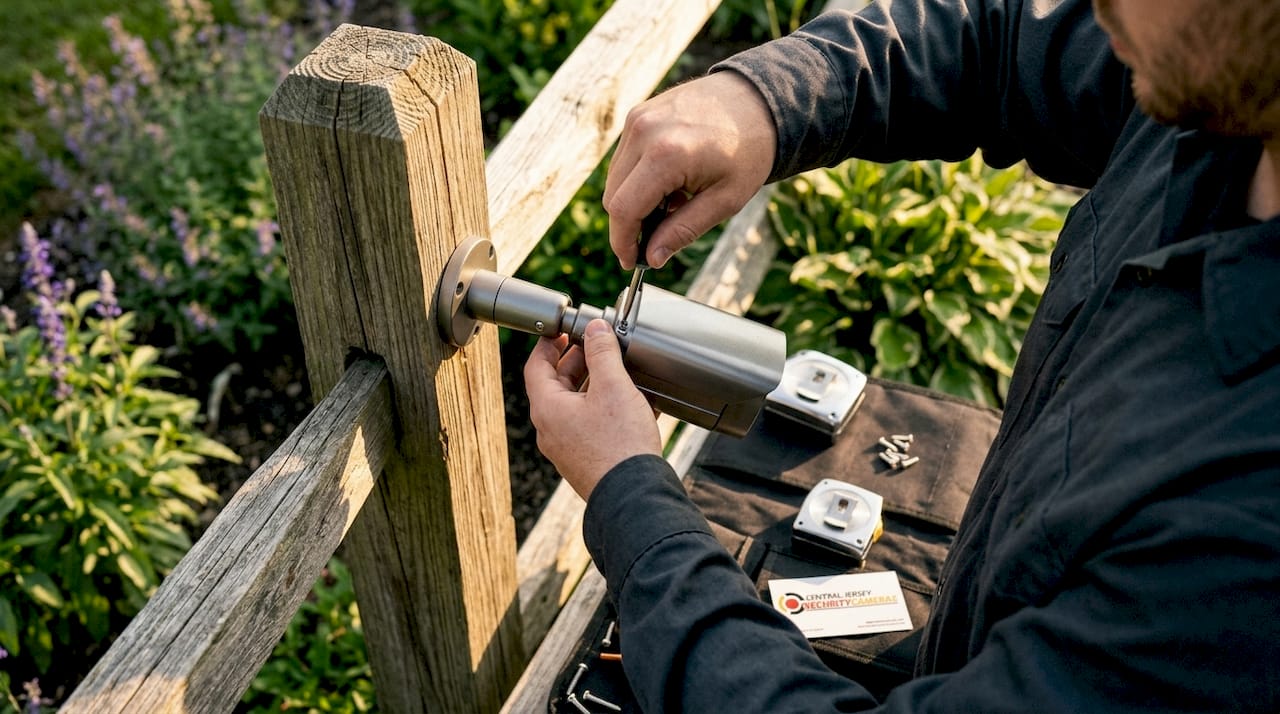
How to clean security camera lenses and housings
Outdoor camera lenses should be cleaned at least every three months. In coastal areas, wooded properties, or dusty industrial sites, monthly cleaning is the right interval. Spider webs, dust, and watermarks degrade footage clarity, and the effect on night vision is especially severe because infrared light scatters off surface contamination.
The right cleaning method matters. Household glass cleaners like Windex contain ammonia, which strips lens coatings over time. Use a lens-safe cleaner and a clean microfiber cloth instead. Wipe in a circular motion from the center outward, and never use paper towels, which scratch optical surfaces.
Physical inspection goes beyond the lens itself:
- Check the camera housing for cracks, gaps, or signs of moisture inside the dome or bullet casing.
- Inspect mounting brackets for rust, loose screws, or stress fractures, especially after winter freeze-thaw cycles.
- Look for pest activity. Wasps and spiders nest inside outdoor housings and can block the lens or damage wiring.
- Clear any branches, overgrown shrubs, or new construction that has grown into the camera’s field of view.
- Test night vision after every cleaning session to confirm the infrared LEDs are unobstructed and the image is sharp.
Pro Tip: After cleaning an outdoor camera, trigger its night vision mode from your recorder’s live view at dusk. A smeared or hazy infrared image means residue remains on the lens, even if it looks clean in daylight.
How to check recording, cables, and hard drive health
Cameras can appear online while recording or storage has already failed. This is one of the most common and costly silent failures in CCTV systems. Checking the live view is not enough. You must verify that the recorder is actively writing footage and that playback from the previous 24 hours is intact.
Follow these steps monthly:
- Open your NVR or DVR interface and confirm the recording status indicator is active for every channel.
- Check timestamps on recorded footage to confirm they are current and continuous, with no gaps.
- Play back footage from at least two cameras to verify the files are not corrupted.
- Review hard drive fullness. A drive stuck at 100% with no overwrite activity signals a storage fault.
- Run S.M.A.R.T. diagnostics from within the recorder’s storage menu to check for reallocated sectors or pending errors.
- Inspect all visible cables for fraying, pinching, or UV degradation on outdoor runs.
- Check power supply units and PoE switches for overheating or loose connections.
Pro Tip: Set your NVR to send email alerts when a hard drive reaches 90% capacity or when a camera goes offline. Most modern recorders support this natively, and it turns a passive system into one that flags problems before they become failures.
| Task | Frequency | What to look for |
|---|---|---|
| Recording and playback check | Monthly | Gaps, corrupted files, wrong timestamps |
| Hard drive S.M.A.R.T. scan | Monthly | Reallocated sectors, pending errors |
| Cable and power inspection | Quarterly | Fraying, heat damage, loose connectors |
| Full hardware servicing | Annually | Weather damage, mount integrity, drive replacement |
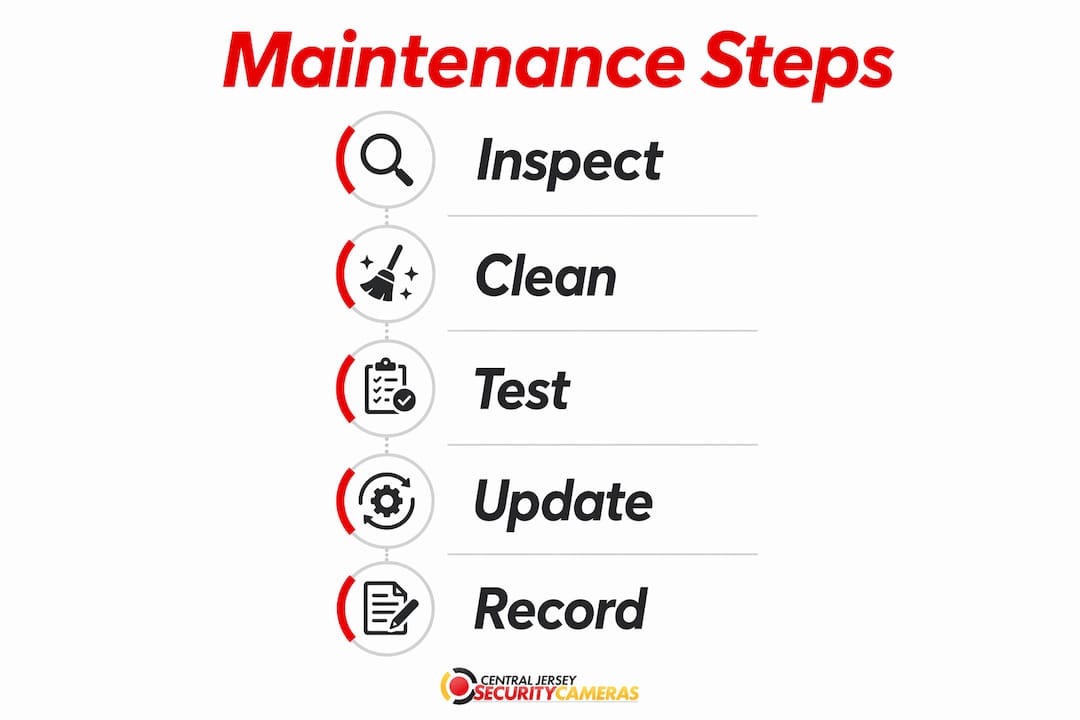
A hard drive showing S.M.A.R.T. warnings should be replaced before it fails completely. Waiting until total failure means losing recorded footage with no recovery option.
Why firmware and cybersecurity hygiene matter as much as cleaning
Outdated firmware creates real risks for unauthorized remote access and system instability. Manufacturers release firmware updates to patch security vulnerabilities, fix bugs, and add features. Skipping updates for more than a few months leaves known attack vectors open on your network.
The safest update process works like this:
- Export your recorder’s configuration settings before any update. This backup lets you restore settings if the update causes issues.
- Update one device at a time, starting with the NVR or DVR, then individual cameras.
- Test recording and remote access after each update before moving to the next device.
- Check the manufacturer’s release notes for any known conflicts before applying updates.
Access control is equally critical. Remove user accounts that belong to former employees or contractors immediately after they leave. The NCSC recommends passkeys over passwords where supported, citing their resistance to phishing and credential theft. If your system does not support passkeys yet, use a password manager and enable two-step verification on every account.
Remote access must be tested from outside your local network using mobile data, not your home or office Wi-Fi. Router firmware updates and ISP changes can silently break port-forwarding or P2P settings, cutting off app access without any error message on the recorder itself.
Check your router for any open ports that are no longer needed. Unnecessary open ports are an invitation for automated scanning tools to probe your system. Close anything that is not actively in use.
What is the right maintenance schedule for homes and businesses?
Routine monthly checks combined with quarterly or annual servicing catch the problems that short checks miss, including power backup faults and weather-related damage. The right frequency also depends on your environment. A camera mounted under a covered porch in a suburban neighborhood needs less attention than one exposed to salt air on the Jersey Shore.
Monthly tasks:
- Clean lenses and housings on any camera showing image degradation.
- Verify recording status and play back footage from all channels.
- Test remote access from a mobile data connection.
- Review user accounts and remove any that are no longer active.
Quarterly and annual tasks:
- Perform a full physical inspection of all mounts, housings, and cable runs.
- Test any backup power supplies or UPS units connected to your recorder.
- Run a complete S.M.A.R.T. diagnostic and review drive health trends over time.
- Check for firmware updates across all devices and apply them using the one-at-a-time method.
- Inspect for environmental damage from storms, pests, or seasonal temperature extremes.
Business owners have an additional obligation. Maintenance logs that record actions taken, footage access events, and system changes support both internal troubleshooting and compliance requirements during audits or investigations. A simple spreadsheet with dates, tasks completed, and any issues found is enough to satisfy most requirements.
Adjust your schedule based on your specific environment. Properties near the ocean, in heavily wooded areas, or near construction sites need more frequent physical checks. A home security camera maintenance checklist tailored to your property type is the most practical way to stay consistent.
Key Takeaways
Consistent security camera maintenance prevents silent failures, protects recorded footage, and keeps your system secure against both physical degradation and cyber threats.
| Point | Details |
|---|---|
| Clean lenses on a schedule | Outdoor cameras need cleaning every one to three months depending on environment. |
| Verify recording, not just live view | Check playback and timestamps monthly to catch silent recording failures early. |
| Update firmware carefully | Back up settings and update one device at a time to avoid system-wide failures. |
| Use strong authentication | Apply passkeys or two-step verification and remove unused accounts promptly. |
| Keep maintenance logs | Document every task and access event to support troubleshooting and compliance. |
What consistent maintenance has taught me about security systems
Most property owners treat their security cameras like smoke detectors. They install them, test them once, and assume they are working until something goes wrong. The problem is that CCTV failures are quiet. A camera that shows a green status light on your recorder may not have written a single frame of footage in two weeks.
The single most underrated maintenance task is playback verification. I have seen systems where the hard drive filled up months earlier and the overwrite function had silently failed. The owner had no idea. Every time they glanced at the live view, everything looked fine. The footage they needed simply did not exist.
Firmware updates make people nervous, and that caution is reasonable. A bad update on a poorly supported camera brand can brick a device. The one-at-a-time method with a configuration backup is not optional. It is the only way to update safely without risking a full system outage.
The cybersecurity side of camera maintenance is the area most homeowners ignore entirely. Default passwords, unused admin accounts, and open ports are not theoretical risks. They are the exact entry points that automated scanning tools probe constantly. Treating your NVR like any other networked device, with proper credentials and regular access reviews, closes most of those gaps without requiring any technical expertise.
Maintenance is not a chore you do when something breaks. It is the reason things do not break.
— Tom
Professional CCTV support from Central Jersey Security Cameras
Keeping a security camera system in top condition takes time, the right tools, and a clear process. If your system has recurring issues, aging hardware, or you are not confident in your current setup, professional support makes a real difference.

Central Jersey Security Cameras designs, installs, and services professional CCTV systems for homes and businesses throughout Ocean County, Monmouth County, Middlesex County, Mercer County, and Burlington County. Whether you need a full system upgrade, a maintenance inspection, or guidance on the best cameras for your property, the team at Central Jersey Security Cameras provides solutions built for long-term reliability. Contact them to schedule a consultation.
FAQ
What is security camera maintenance?
Security camera maintenance is the regular process of cleaning lenses, inspecting hardware, verifying recordings, updating firmware, and managing user access to keep a surveillance system working reliably.
How often should I clean my security cameras?
Outdoor cameras should be cleaned at least every three months. Cameras in coastal, wooded, or dusty environments need monthly cleaning to maintain clear footage and reliable night vision.
How do I know if my security camera is actually recording?
Check your NVR or DVR’s recording status indicators and play back footage from the previous 24 hours. A camera that appears online in live view can still have a silent recording failure if the hard drive is full or faulty.
How often should firmware be updated on security cameras?
Firmware should be updated every few months. Always back up your system configuration first and update one device at a time, testing after each update to catch any compatibility issues before they affect the whole system.
Do I need to keep records of my security camera maintenance?
Business owners should keep maintenance logs documenting tasks completed, footage access, and any system changes. These records support compliance requirements and make troubleshooting faster when problems arise.