
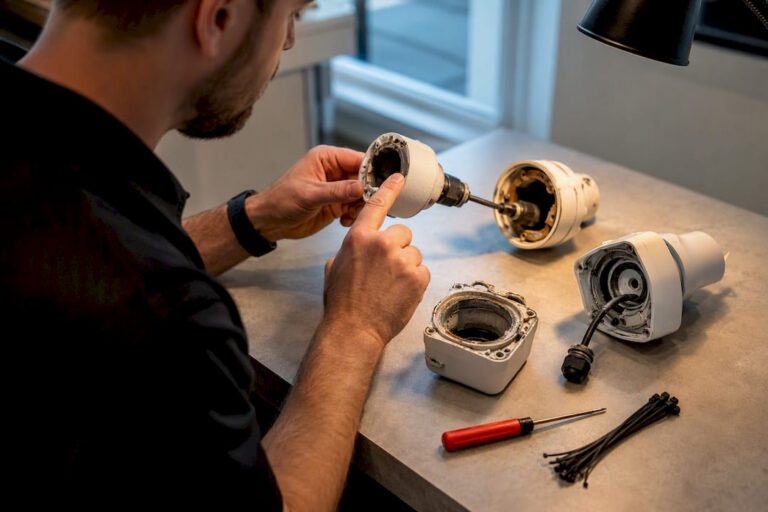
Most residential security cameras run for 2 to 5 years, prosumer and small-business systems for 3 to 8 years, and commercial-grade installations for 5 to 10 years or more when properly maintained. Outdoor exposure, cheap power supplies, and battery reliance all shorten that window. Regular maintenance, matched with a professional camera system lifespan assessment from an experienced installer, consistently pushes systems toward the longer end of these ranges.
TL;DR:
- Consumer and wireless cameras typically last two to five years, mainly limited by battery life and lower-quality internal components.
- Commercial-grade cameras can reach 5 to 10 years or more with proper maintenance, stable power, and protective outdoor ratings like IP66 or IP67.
- Regular maintenance, including cleaning, firmware updates, and surge protection, can extend camera lifespan and prevent early failures.
- Storage drives fail faster than cameras, with surveillance-rated hard drives lasting three to six years under continuous recording and higher resolutions accelerating wear.
- Replacing cameras every five to eight years is recommended, with proactive maintenance helping avoid costly repairs or premature replacements.
Table of Contents
- What Is the Typical Camera System Lifespan by Type?
- What Factors Shorten or Extend Camera Durability?
- How Do Different Camera Types Age Differently?
- What Signs Mean It’s Time to Replace a Camera?
- What Maintenance Extends a Camera System’s Life?
- How Long Do Recorders and Storage Drives Last?
- How Should You Plan and Budget for Replacement?
- What Do Technicians Check During a Professional Inspection?
- What’s the Real Rule of Thumb Here?
- Ready for a Professional Camera System Assessment?
- Sources
- FAQ
What Is the Typical Camera System Lifespan by Type?
The number you get depends heavily on which tier you bought into, and manufacturers rarely advertise this clearly at the point of sale.
Consumer and wireless cameras, the kind sold at big box stores or through subscription apps, typically last 2 to 5 years. Battery limitations and lower-grade internal components are the main culprits, not the camera housing itself. Prosumer systems and entry-level commercial setups tend to run 3 to 8 years with routine care, since they use better power circuitry and more durable sensors. True commercial-grade cameras, the kind installed in warehouses, schools, and multi-tenant buildings, commonly last between 5 and 10 years, with electronic components rated for tens of thousands of operating hours under stable conditions.
- Consumer/wireless: 2 to 5 years, battery and build quality are the limiting factors
- Prosumer/entry commercial: 3 to 8 years with regular cleaning and firmware updates
- Commercial-grade: 5 to 10+ years with proactive maintenance and stable power
Outliers exist. A well-installed, climate-protected commercial camera on a clean power source can push past 10 years, while a bargain outdoor camera in a coastal town can fail in 18 months. Price tier matters more than most buyers assume: a SquareTrade analysis of digital cameras found about 10.7% failed within two years, with cheaper models showing distinctly higher malfunction rates than premium ones.
What Factors Shorten or Extend Camera Durability?
Six variables drive most of the difference between a camera that dies in year two and one still running crisp footage in year nine.
- Component quality. The sensor, power supply, and housing materials determine baseline durability, and this is where cheap cameras cut corners first.
- Environment and IP rating. UV exposure, humidity, salt air, and temperature swings degrade seals and circuit boards. A camera rated IP66 or IP67 handles coastal Jersey weather far better than an indoor-rated unit mounted outdoors.
- Power quality. Cameras run on Power over Ethernet (PoE) tend to outlast those on cheap plug-in adapters, and surge protection matters more than most homeowners realize after a lightning strike takes out an entire NVR.
- Usage and recording load. Continuous 4K recording stresses components far more than motion-triggered clips, shortening both camera and storage life.
- Installation quality. Poor cable routing, exposed connectors, and vandalism-prone mounting heights create failure points that have nothing to do with the camera itself.
- Firmware and manufacturer support. Devices that stop receiving updates become both a security liability and a functional dead end, a concern government cybersecurity advisories have flagged repeatedly for connected devices.
Pro Tip: Ask your installer for the camera’s IP rating and its power source before you buy. A camera with a great sensor but a flimsy adapter and no surge protection will fail years earlier than its specs suggest.
How Do Different Camera Types Age Differently?
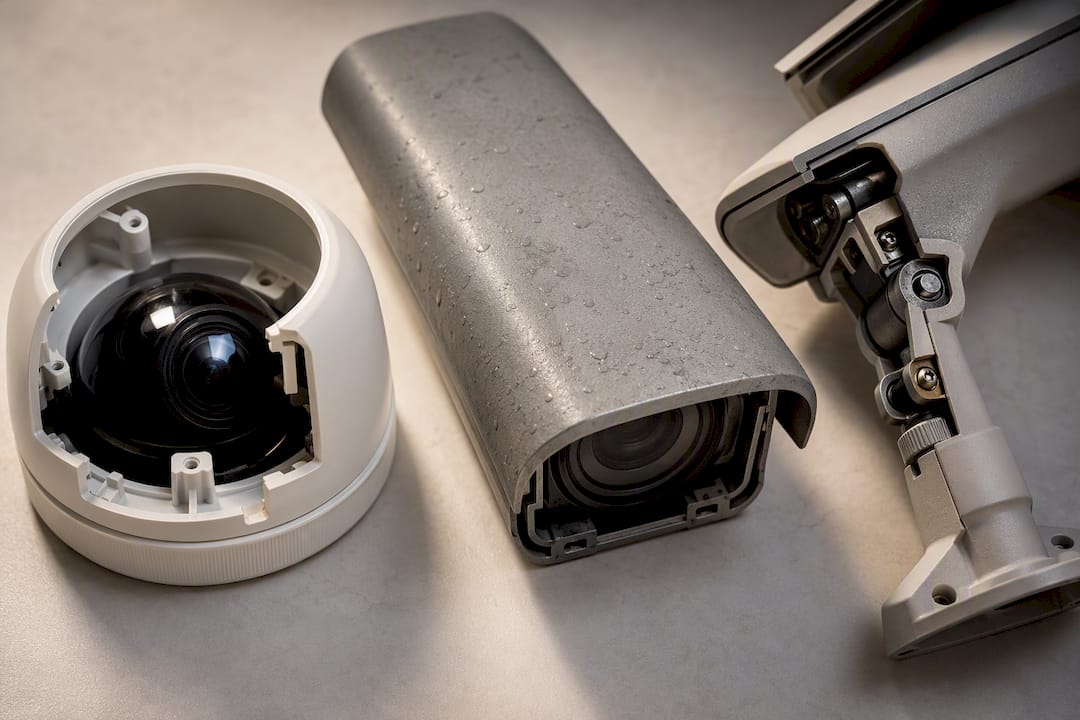
Not every component inside a camera system wears out at the same rate, and knowing where the weak points sit helps you plan smarter maintenance.
IP cameras generally have longer service life than older analog units because their electronics are more advanced, but that also means more circuitry that can fail from moisture or power surges. Analog cameras are simpler and sometimes more forgiving, though they lack the resolution and remote-access features most property owners want now.
- PTZ cameras contain motors for pan, tilt, and zoom, and those moving parts wear down faster than fixed-lens units, often needing motor service well before the rest of the camera fails.
- Wireless and battery-powered cameras usually see their battery die first, typically within 1 to 3 years, while the camera body itself can keep working for much longer.
- IR illuminators and lenses degrade gradually, showing up as grainy night footage before daytime image quality suffers.
- Recorders and storage devices follow their own replacement schedule, often shorter than the cameras they support.
What Signs Mean It’s Time to Replace a Camera?
Repair makes sense until it doesn’t. These signals tell you replacement is the smarter financial call:
- Image quality that keeps degrading even after lens cleaning and focus adjustment
- Recurring intermittent failures that generate repeat service calls
- Visible moisture inside the housing, cracked casings, or seals that no longer hold
- No more firmware or security updates available, or the camera can’t support current analytics features
- A recorder that can’t keep up with your required retention window without dropping footage
One or two of these on their own might justify a repair visit. Multiple signs together, especially on a camera older than 5 years, usually mean the total cost of continued patching exceeds the cost of a new unit.
What Maintenance Extends a Camera System’s Life?
A simple, consistent maintenance rhythm does more to extend camera system lifespan than any premium hardware upgrade. Regular cleaning, seal checks, firmware updates, and surge protection are the highest-impact actions any property owner can take.
- Quarterly: Wipe down lenses, inspect mounts for loosening, and check housing seals for cracks or gaps.
- Annually: Update firmware across all cameras and the NVR, test surge protection, and run PTZ motors through a full range of motion to catch early wear.
- Battery-powered units: Check battery health every 6 months and plan replacement on a 1 to 3 year cycle, since the camera body typically outlasts the battery pack.
- After major storms: Inspect seals and connectors immediately. Wind-driven rain finds gaps that calm weather never reveals.
- Keep records. A simple log of install dates, firmware versions, and service visits makes it obvious when a camera is approaching the end of its practical life.
Pro Tip: If you notice condensation inside a camera dome after a storm, don’t wait for the next service visit. Moisture inside a housing accelerates corrosion on internal connectors within days, not months. Our own maintenance guide for homeowners walks through what a full seal and connector check looks like.
How Long Do Recorders and Storage Drives Last?
Storage is usually the weakest link in a camera system, and it fails before the cameras do more often than people expect.
- Surveillance-rated hard drives typically last 3 to 6 years under continuous 24/7 recording, while consumer-grade drives fail sooner under that same write load.
- SSDs handle constant writing better in some respects but come with endurance limits worth checking against your camera count and resolution before relying on them for continuous recording.
- Higher resolution and longer retention settings both increase drive wear, so a system recording in 4K around the clock ages its storage faster than one on motion-triggered 1080p.
- Backup drives, RAID configurations, and a scheduled drive-swap plan prevent the sudden footage loss that catches most property owners off guard.
How Should You Plan and Budget for Replacement?
Treat camera replacement as a rolling schedule tied to installation dates, not a single dreaded event when everything breaks at once.
- Track install dates by camera and group replacements around the 5 to 8 year mark rather than reacting to random failures.
- Budget for labor, testing, and short downtime windows alongside the unit cost itself, since installation and configuration often cost as much as the hardware.
- Grouping replacements when a cohort of cameras was installed together reduces repeated labor trips and cuts total ownership costs compared to swapping units one at a time as they fail.
- Consider replacing ahead of schedule when new analytics features, license plate recognition, or higher resolution genuinely change what your system can do for you.
Price tier matters here too: cheaper cameras that fail more often end up costing more in repeat service calls than a mid-tier commercial camera bought once and maintained well.
What Do Technicians Check During a Professional Inspection?
When Central Jersey Security Cameras technicians inspect an existing system, the priority list rarely changes: power rails, connector corrosion, and seal integrity come first, because moisture-related circuit board failure is the single most preventable cause of early camera death.
- Check power delivery at the camera end, not just at the NVR, since voltage drop over long cable runs damages components slowly.
- Inspect connectors for green corrosion, a telltale sign of moisture intrusion that precedes full failure by months.
- Confirm firmware versions match current releases across every camera on the system.
- Test PTZ motor range and listen for grinding, which usually means a motor swap is coming.
Scheduled service plans catch these issues before they cascade into a group failure across an entire camera cohort, which is far more expensive to fix all at once than to address gradually.
What’s the Real Rule of Thumb Here?
Budget to replace cameras every 5 to 8 years, sooner if you’re seeing image degradation, repeat failures, or a recorder that can’t keep up. Preventive maintenance is the cheapest lever you have. It defers replacement costs by years, not months. When a system is showing mixed signals and you’re not sure whether to repair or replace, get a professional opinion before you spend money either way.
— Tom
Ready for a Professional Camera System Assessment?
If your cameras are showing their age or you’re not sure which ones are worth saving, a proper inspection beats guessing every time. Some professional installers offer free on-site evaluations, using surveillance-grade equipment built for the kind of continuous, high-load recording that burns through consumer gear in a fraction of the time.

Our technicians check power rails, connectors, and seals the same way described above, then give you a straight answer on what needs replacing now versus what can wait. If you’re leaning toward a full upgrade, New Jersey security camera installation starts with a one-time installation fee of $99, and ongoing alarm monitoring plans run $24.95 to $29.95 per month if you want continuous coverage without staffing it yourself. Homeowners weighing lower-power options for remote properties can also look at solar-paired setups through our solar energy partner to cut down on battery replacement cycles. Call or request a quote through our installation page to get a technician out to your property.
Sources
- Increase the Life Expectancy of Your Security System
- SquareTrade camera failure study (sample of consumer digital cameras)
- CISA advisory (ICS advisories)
FAQ
Are 20-Year-Old Cameras Still Good?
A camera system that old is almost certainly obsolete, both mechanically and functionally. Analog electronics from that era rarely support current resolution, remote viewing, or analytics features, and most manufacturers stopped offering firmware or parts support long ago.
Can a Camera Last 20 Years?
It’s technically possible for a camera housing to physically survive two decades, but functional lifespan almost always ends much sooner. Commercial-grade cameras typically last 5 to 10 years, and even well-maintained systems rarely stay useful past those ranges due to obsolete resolution and lost manufacturer support.
How Often Do Cameras Need to Be Replaced?
Most property owners should plan on replacing cameras every 5 to 8 years, with consumer and wireless units often needing replacement closer to the 2 to 5 year mark. Storage drives usually need swapping sooner, typically every 3 to 6 years under continuous recording.
Do Cameras Deteriorate Over Time?
Yes. Sensors lose sharpness, seals degrade and let in moisture, and internal components like batteries and motors wear down well before a camera stops working entirely. Regular maintenance and prompt firmware updates slow this decline but don’t stop it indefinitely.
What Does Central Jersey Security Cameras Charge for Installation?
Central Jersey Security Cameras charges a one-time installation fee of $99 for New Jersey camera installations, with alarm monitoring plans available separately from $24.95 to $29.95 per month. Pricing for larger commercial installations is available on request through a free on-site evaluation.