

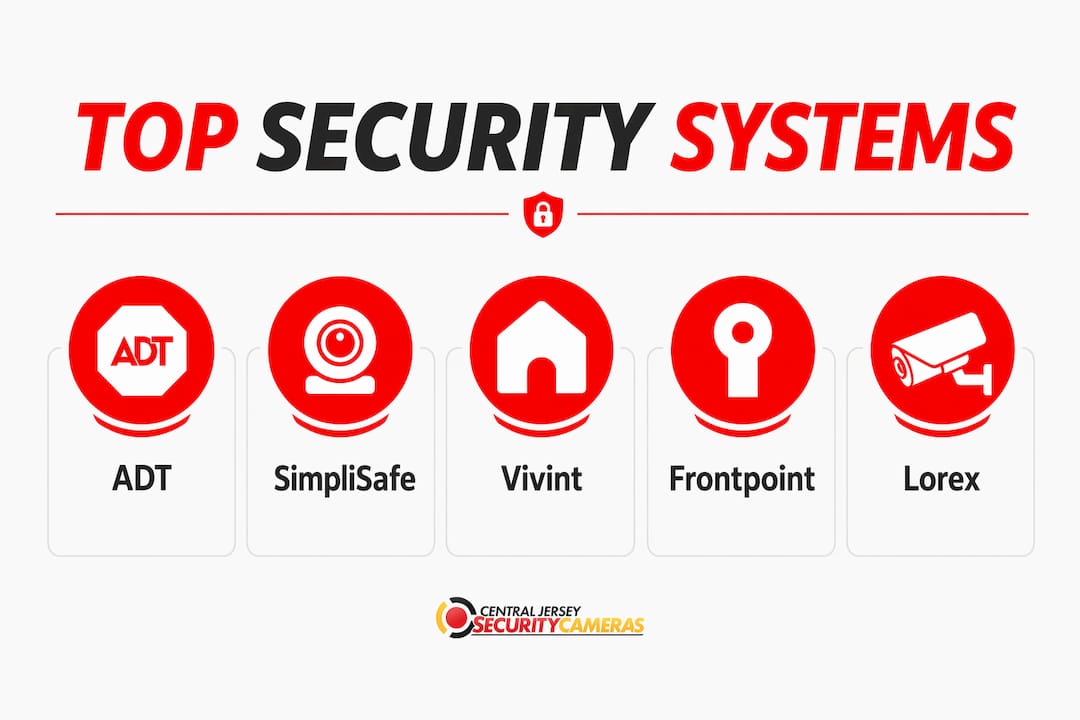
For most small and medium-sized businesses, ADT leads on professional monitoring depth, SimpliSafe wins on flexibility without a contract, and Vivint stands out for AI-driven automation. If video surveillance is your primary concern, Lorex delivers the strongest camera hardware at its price point. The right choice depends on your building size, risk profile, and whether you want a professional installer or a system you can set up yourself.
| Provider | Monitoring Options | Equipment Quality | Pricing | Installation | Best For |
|---|---|---|---|---|---|
| ADT | 24/7 professional | High | $$$ | Professional | Nationwide monitoring, scalable deployments |
| SimpliSafe | Professional or self | Mid-High | $$ | DIY | No-contract flexibility, small businesses |
| Vivint | 24/7 professional | High | $$$$ | Professional | Smart integration, AI analytics |
| Frontpoint | Professional | Mid-High | $$ | DIY | Customer support, reliable self-install |
| Lorex | Self or professional | High | $$–$$$ | DIY or Pro | High-resolution video surveillance |
| Wyze | Self or optional | Low-Mid | $ | DIY | Budget-conscious, basic coverage |
| Nest | Self or optional | Mid | $$–$$$ | DIY or Pro | Smart building integration |
ADT’s nationwide service network makes it the default choice for businesses that want someone else to handle everything, from installation to emergency dispatch. SimpliSafe flips that model: no long-term contract, hardware you can install in an afternoon, and optional professional monitoring you can add or drop month to month. Vivint sits at the premium end, pairing AI-powered cameras with building automation features that go well beyond basic security.
What are the best business security systems in 2026?
The seven providers above cover the full spectrum of what commercial security solutions can look like in 2026, ranging from enterprise-grade monitored systems to app-controlled cameras you buy at retail. Understanding what separates them requires looking past the marketing and into the specifics of monitoring, equipment, and what happens when something actually goes wrong.
ADT
ADT’s core advantage is infrastructure. The company operates one of the largest professional monitoring networks in the United States, with redundant monitoring centers that stay online even during regional outages. For a business owner who wants a single vendor responsible for design, installation, and 24/7 response, ADT removes most of the operational burden. Pricing sits at the higher end, and contracts are typically multi-year, so budget accordingly before signing.

SimpliSafe
SimpliSafe built its reputation on removing friction. The hardware ships pre-configured, the app guides you through placement, and you can have a working system in a few hours without a technician. Month-to-month monitoring means you are never locked in, which matters for businesses in leased spaces or those expecting to relocate. Equipment quality is solid for the price, though the camera resolution and sensor range fall short of what ADT or Vivint offer at the high end.
Vivint
Vivint’s differentiator is how deeply its cameras and sensors talk to each other. The system uses AI to distinguish a delivery driver from an intruder, can trigger lighting or door locks automatically based on detected events, and pushes proactive alerts before a situation escalates. Professional installation is required, and the upfront cost reflects that. For a tech-forward business that wants security and building automation in one platform, Vivint is the strongest option in this group.
Frontpoint
Frontpoint occupies the middle ground between SimpliSafe’s pure DIY approach and ADT’s full-service model. The equipment is professional grade, the monitoring is handled by a US-based team, and the company’s customer service reputation is consistently strong across independent reviews. Setup is DIY, but Frontpoint’s support line is available throughout the process. It suits businesses that want reliable hardware and attentive support without paying for a professional installation crew.
Lorex
Lorex focuses almost entirely on video. Its camera lineup includes 4K resolution options, color night vision, and multi-channel NVR systems that can handle dozens of cameras across a single property. Commercial video monitoring at this resolution level is where Lorex genuinely outperforms the bundled camera options from ADT or SimpliSafe. The trade-off is that Lorex is primarily a hardware company: professional monitoring integration requires third-party services, and the ecosystem is less unified than Vivint or Nest.
Wyze
Wyze is the entry point for businesses that need basic coverage on a tight budget. Cameras start well under $50, the app is straightforward, and optional cloud storage plans keep ongoing costs low. The hardware reflects the price: plastic construction, limited weatherproofing on some models, and AI detection features that require a paid subscription. For a small retail space or single-office business that needs visible cameras and motion alerts without a major investment, Wyze works. For anything more demanding, the limitations show quickly.
Nest
Nest’s strength is ecosystem compatibility. The cameras and sensors connect natively with Google Home and a wide range of smart building platforms, making Nest the natural fit for businesses already running Google Workspace or those using smart thermostats, lighting, and access control from compatible vendors. Video quality is good, the app is polished, and cloud storage is handled through Google’s infrastructure. Nest does not offer the deep professional monitoring options that ADT or Vivint provide, so businesses that need 24/7 dispatch response will need to supplement with a third-party monitoring service.
What features should you look for in a business security system?
The gap between a system that protects your business and one that just checks a compliance box usually comes down to a handful of specific capabilities. Getting these right at the selection stage saves a lot of expensive retrofitting later.
Video surveillance is the foundation. High-definition cameras with AI alerts and cloud management support large multi-site portfolios in ways that older analog systems simply cannot match. Look for 4K resolution on critical coverage points, color night vision, and on-camera AI that can classify motion events rather than triggering alerts on every passing car.
Access control goes beyond key cards. Modern systems use mobile credentials, biometrics, and time-based permissions that let you grant a contractor access only during business hours and revoke it instantly from your phone. This is where integrated security solutions that unify surveillance and access data create real operational value: you can pull up the camera footage tied to any door event in seconds.
Intrusion detection quality varies more than most buyers realize. Passive infrared sensors are standard, but the best commercial systems use dual-technology detectors that combine PIR with microwave sensing to cut false alarms. Professional monitoring services add a critical layer here, with 24/7 response teams that can verify an alert before dispatching police, reducing false alarm fees that add up fast.
Fire and life safety integration is often treated as a separate purchase, but bundling it with your security platform means a single dashboard for all critical alerts. Smoke, CO, and flood sensors that feed into the same system as your cameras and access logs give you a complete picture during an emergency.
Pro Tip: Avoid buying surveillance cameras, access control, and alarms from three separate vendors with no integration path. The operational cost of managing disconnected systems, chasing footage across platforms, and training staff on multiple apps compounds quickly. Prioritize vendors that offer a unified dashboard or open API connections from day one.
Beyond the core features, scalability matters more than most buyers anticipate at the start. A system that works perfectly for your current 2,000-square-foot office may require a full replacement when you expand to a second location. Ask every vendor specifically how they handle multi-site deployments and whether your existing hardware carries over.
How do you choose the right security system for your business?
Choosing a commercial security solution is less about finding the “best” brand and more about matching a system to your specific building, risk profile, and operational reality. Work through these decisions in order before you talk to a single vendor.
Start with a risk assessment. Walk your property and identify every entry point, blind spot, and high-value area. A retail store with a cash register and a back stockroom has different exposure than a professional services office with sensitive client files. Your risk profile determines which system components you actually need versus which ones a salesperson will try to upsell you on.
Set a realistic total budget, not just an equipment budget. The hardware purchase is usually the smallest part of the five-year cost. Factor in installation, monthly monitoring fees, maintenance contracts, and the cost of adding cameras or sensors as your business grows. A system that looks affordable upfront can become expensive when you account for contract termination fees or proprietary hardware that locks you into one vendor’s upgrade path.
Questions to ask every provider before signing:
- What is the total cost of ownership over 36 months, including all fees?
- What happens to my monitoring if your company is acquired or changes its service model?
- Does your hardware work with third-party monitoring services if I want to switch?
- How long does installation take, and what disruption should I expect?
- What is your average response time from alarm trigger to operator contact?
- Do you offer a trial period or money-back guarantee?
- How do you handle system upgrades as new technology becomes available?
Watch for these red flags. Multi-year contracts with automatic renewal clauses and steep cancellation fees are common in the industry. Some providers charge separately for the monitoring app, for cloud storage, and for technical support calls that should be included in a service agreement. Ask for a complete fee schedule in writing before you commit.
Evaluate customer service independently. Check the Better Business Bureau, Trustpilot, and Google reviews specifically for post-installation support experiences. A company that installs well but goes quiet when something breaks is a serious operational risk. ADT and Frontpoint consistently receive stronger marks for ongoing support than some of the budget-tier providers.
Maximizing your security investment also means thinking about ROI beyond crime prevention: insurance premium reductions, liability documentation, and employee accountability are real financial returns that a well-designed system delivers.
How much do business security systems actually cost?
Cost is where most buyers get surprised, usually because they compare equipment prices without accounting for the full picture. The table below breaks down the typical expense categories for a small to medium-sized business installation.
| Expense Category | Typical Range | Notes |
|---|---|---|
| Hardware (cameras, sensors, panels) | — | Varies by camera count, resolution, and sensor types |
| Professional installation | — | Complexity, wiring, and site size drive the range |
| Monthly monitoring | $20+ per month | Professional monitoring adds cost; DIY self-monitoring is lower |
| Cloud storage / software | $10+ per month | Per-camera or flat-fee plans vary widely by provider |
| Annual maintenance | — | Service contracts, firmware updates, hardware replacement |
| Potential hidden fees | Varies | Contract termination, upgrade fees, false alarm charges |
Cost factors for commercial systems include property size, system complexity, and the level of service agreement you choose. A single-location retail business with six cameras and a basic alarm panel sits at the lower end of these ranges. A multi-location office with access control, 4K cameras, and 24/7 professional monitoring sits at the higher end.
Practical ways to control costs without cutting coverage:
- Choose a provider with open hardware standards so you can add cameras from multiple manufacturers rather than being forced into proprietary upgrades.
- Opt for wireless sensors where possible. Wireless security technology reduces installation time and eliminates the cost of running conduit through finished walls.
- Negotiate monitoring contracts annually rather than signing three-year agreements upfront, especially if you are a new customer with no track record with the provider.
- Bundle fire and life safety sensors with your security system from a single vendor to reduce both equipment costs and the monthly fee for managing separate platforms.
Total cost of ownership over three years is the right frame for comparing providers. A system that costs $1,500 upfront with $80 per month in fees costs more over 36 months than a $2,500 system with $40 per month monitoring. Run the full math before you decide.
How do integrated security systems improve business protection?
Modern commercial security is built on four pillars: video surveillance, access control, intrusion detection, and fire and life safety. Each pillar works independently, but the real operational gain comes when they share data through a unified platform.
Cloud-based security platforms unify video, access control, alarms, and sensor data into a single interface, which meaningfully improves situational awareness and response speed. When an access control event triggers a camera to pull up the corresponding footage automatically, an investigation that used to take 20 minutes takes two. That kind of workflow compression matters at 2:00 AM when you are trying to determine whether a triggered alarm is a real intrusion or a sensor fault.
The concept of “security debt” describes what happens when businesses run disconnected systems over time. Each siloed platform requires separate logins, separate training, and separate maintenance contracts. Incidents that cross system boundaries, like an unauthorized access event followed by a camera blind spot, become difficult to investigate because the data lives in different places. Unified security dashboards consolidate alerts from access control, video, alarms, and sensors, reducing that operational drag significantly.
On the hardware side, wireless protocols like PowerG use military-grade 128-bit AES encryption and frequency hopping to maintain signal reliability in dense commercial environments. PowerG-enabled panels can support a large number of zones, covering everything from a mid-sized warehouse to a multi-floor office building without requiring a wired backbone. The extended battery life on PowerG sensors significantly reduces the maintenance burden compared to older wireless technologies.
Best practices for choosing an integrated system:
- Confirm that the platform uses open APIs or ONVIF-compatible cameras so you are not locked into one manufacturer’s hardware.
- Verify that the cloud storage meets your industry’s data retention requirements before signing a service agreement.
- Ask whether the system supports role-based access so different staff members see only the data relevant to their responsibilities.
- Test the mobile app on your actual devices before committing. A dashboard that works well on a desktop but poorly on a phone creates real gaps in after-hours management.
- Confirm that the vendor’s monitoring center is UL-listed, which indicates it meets the Underwriters Laboratories standard for central station alarm monitoring.
Integration with existing business infrastructure, including telecom, IT, and building management systems, boosts operational efficiency by consolidating security workflows into tools your team already uses. Open APIs and native connectors allow multi-system coordination that would otherwise require manual cross-referencing.
How this comparison was evaluated
The seven providers featured in this article were assessed against a consistent set of criteria drawn from publicly available product specifications, independent review platforms, and hands-on industry knowledge. No provider paid for placement or influenced the evaluation.
Monitoring options were evaluated on the depth of professional monitoring coverage, response time standards, and whether self-monitoring was a viable alternative for the business use case. Equipment quality was assessed on camera resolution, sensor technology, weatherproofing ratings, and the durability of hardware in commercial environments. Pricing was examined across the full cost of ownership, including hardware, installation, monthly fees, and contract terms, not just the advertised starting price.
Installation types were rated on how much disruption the process causes, whether professional installation is required or optional, and how well the provider supports DIY customers who need guidance. Service features covered the depth of the mobile app, AI detection capabilities, cloud storage options, customer support availability, and the provider’s track record for post-installation responsiveness.
Providers were also assessed on scalability: whether a system that works for a single location can realistically grow to cover multiple sites without a full hardware replacement. Customer service ratings from the BBB, Trustpilot, and Google were used as one supporting signal among several, not as a primary ranking factor.
Central Jersey Security Cameras: professional CCTV installation for New Jersey businesses
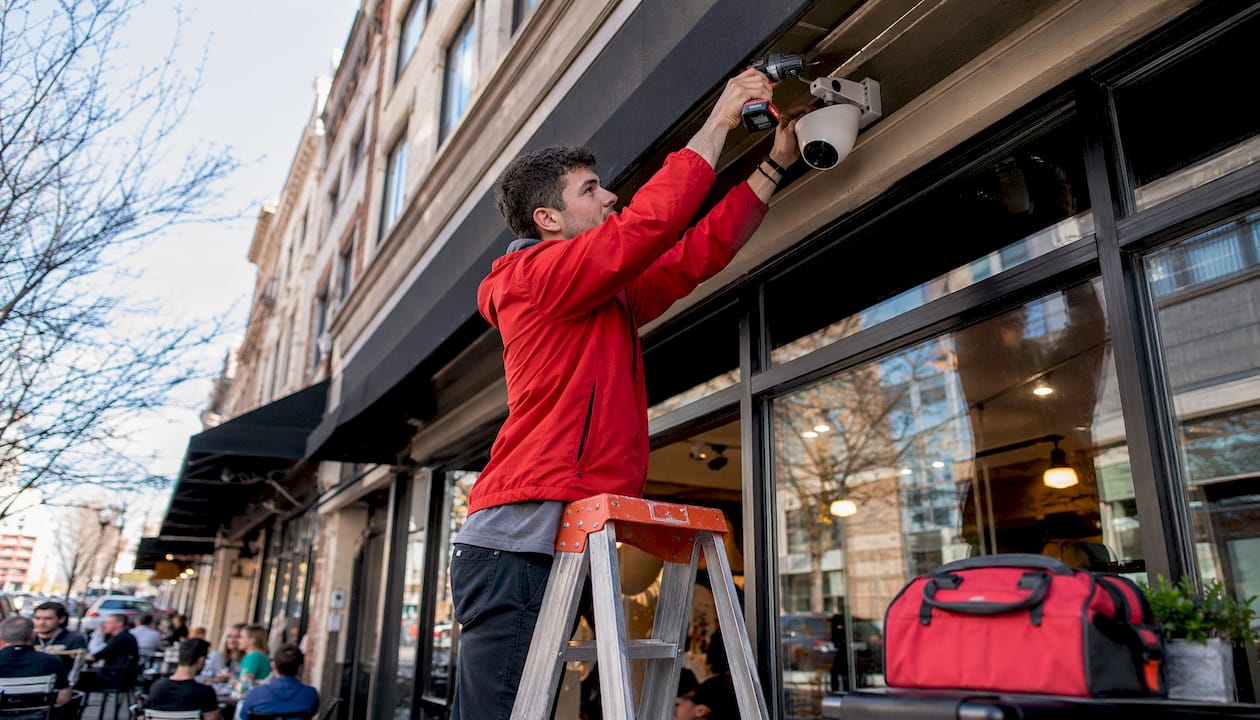
The seven providers compared above are primarily product companies. They ship hardware, provide apps, and offer monitoring services. What they do not do is design a custom surveillance layout for your specific building, pull the cable through your walls, and configure every camera angle before handing you a system that is ready to record on day one.
Central Jersey Security Cameras takes a different approach. Rather than selling a packaged kit, the team designs each commercial CCTV installation from scratch based on your property’s layout, lighting conditions, and coverage priorities. Systems include 4K IP cameras, PTZ cameras, license plate recognition, active deterrence cameras, and NVR-based recording, all professionally installed and configured for remote viewing. For businesses in Ocean County, Monmouth County, Middlesex County, Mercer County, Burlington County, and surrounding areas, this is the alternative to a DIY kit or a national brand that sends a franchise technician who has never seen your building before.
Key Takeaways
The best business security system in 2026 integrates video surveillance, access control, and intrusion detection under a single platform to eliminate blind spots and cut incident response time.
| Point | Details |
|---|---|
| Match the system to your risk profile | A retail store and a professional services office have different exposures; assess your specific vulnerabilities before choosing a provider. |
| Total cost of ownership beats sticker price | Factor in installation, monthly monitoring, cloud storage, and contract terms over 36 months before comparing providers. |
| Integration eliminates security debt | Unified platforms that connect cameras, access control, and alarms reduce investigation time and operational complexity. |
| Wireless protocols extend scalability | PowerG-enabled systems support numerous zones without wired infrastructure, making them practical for mid-to-large commercial spaces. |
| Central Jersey Security Cameras | Offers custom-designed, professionally installed CCTV systems for businesses across Central New Jersey, as an alternative to packaged DIY or national-brand kits. |