
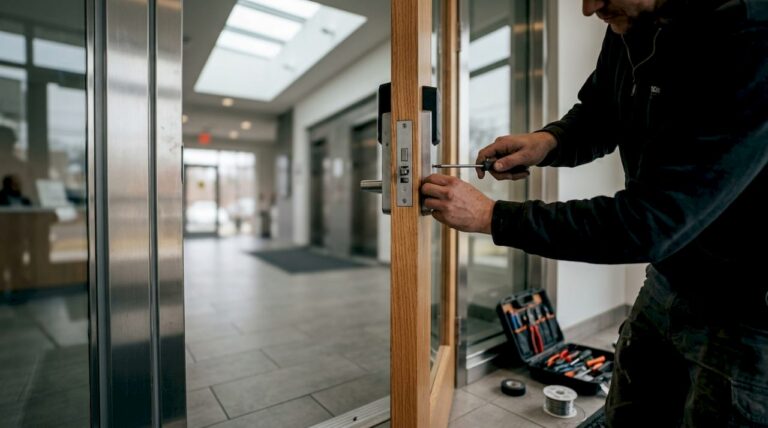
A physical access control system (PACS) is an electronic system that verifies identity and authorizes entry at doors, gates, and controlled points throughout a building; to understand the key components and architecture, visit Access Control | ThreeSixty Fire & Security. If you own or manage property in Central New Jersey, three things matter most: start with a professional site survey, require camera integration from day one, and hire a certified installer for specification and commissioning.
- Get a site survey before specifying any hardware
- Require integrated access control with cameras from the design stage
- Hire a professional installer for commissioning and documentation
The five-layer PACS architecture (credential, reader, controller, locking device, management software), OSDP / IEC 60839-11-5 protocol standards, and unified video integration are the benchmarks a well-designed system should meet. Central Jersey Security Cameras designs and installs these systems across Ocean, Monmouth, Middlesex, Mercer, and Burlington Counties.
Key Takeaways
A professionally designed PACS integrates five hardware layers, OSDP-encrypted reader links, and unified video to give Central New Jersey property owners reliable, auditable access control.
| Point | Details |
|---|---|
| Five-layer architecture | Every PACS runs credential, reader, controller, locking device, and management software in sequence. |
| OSDP over Wiegand | Specify OSDP (IEC 60839-11-5) readers for AES-128 encryption and tamper supervision on every new install. |
| Camera integration first | Link access events to video bookmarks at the design stage; retrofitting costs significantly more. |
| Commission before handoff | Test DFO/DHO alarms, credential enrollment, and camera event links before accepting any installation. |
| Central Jersey Security Cameras | Provides site survey, OSDP-enabled design, installation, commissioning, and maintenance across Central NJ counties. |
Table of Contents
- How do access control systems work? The five-layer architecture
- What credential and reader types should you choose?
- Wiegand vs. OSDP: which reader-to-controller protocol is more secure?
- Why integrate access control with video surveillance?
- How should you structure access policies?
- What does a professional PACS design process look like?
- What happens during installation, commissioning, and maintenance?
- When should you hire a professional installer?
- What installers see go wrong — and how to avoid it
- Central Jersey Security Cameras: request your site survey
- Sources
How do access control systems work? The five-layer architecture
Every PACS, regardless of brand or scale, shares the same five-layer architecture: credential, reader, controller, locking device, and access management software. Understanding each layer tells you exactly what hardware, wiring, and software your property needs.
| Layer | Component | Function |
|---|---|---|
| 1 | Credential | Carries identity: card, fob, PIN, biometric, or mobile app |
| 2 | Reader | Captures and transmits credential data to the controller |
| 3 | Controller | Authorizes or denies access, logs the event, triggers outputs |
| 4 | Locking device | Electric strike, maglock, or electrified hardware that physically secures the door |
| 5 | Management software | Configures policies, manages users, stores logs, and integrates with video |
The event flow during a normal access attempt runs like this:
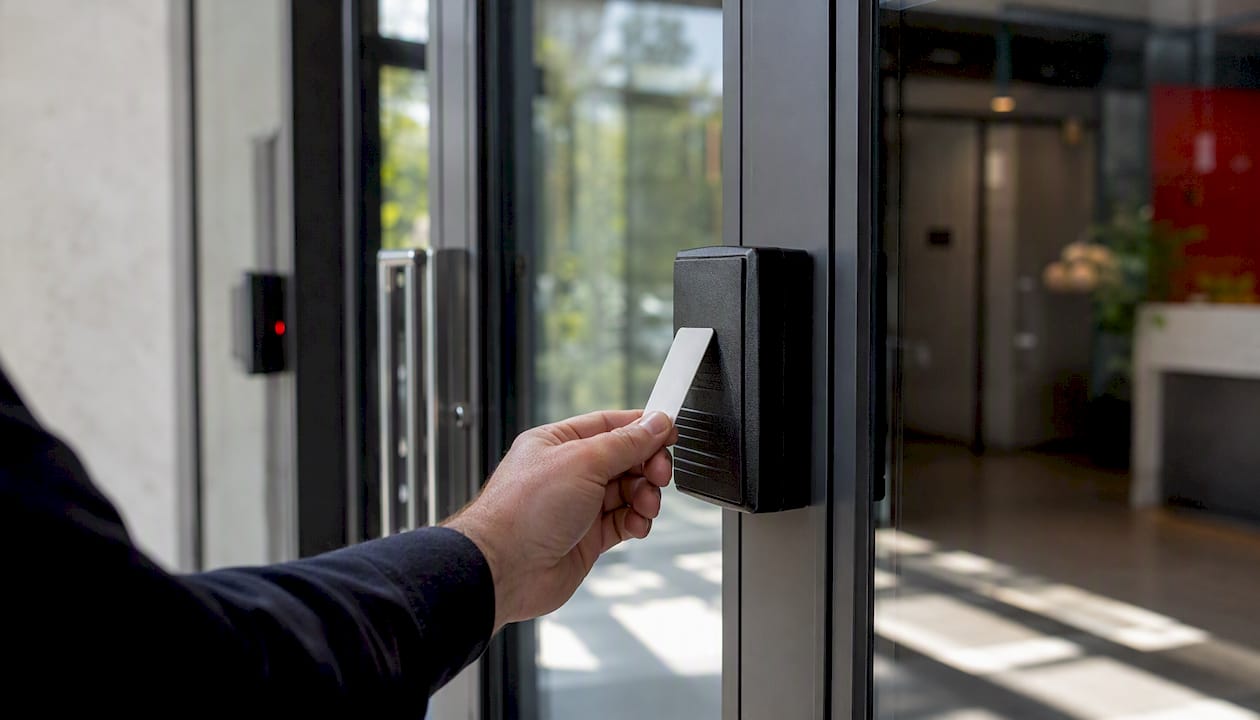
- A credential is presented to the reader (tap, swipe, PIN entry, or mobile NFC/BLE)
- The reader transmits the credential data to the controller via Wiegand or OSDP
- The controller checks its local database, applies the access policy, and decides grant or deny
- If granted, the controller sends an output signal to the locking device, which releases
- The event is logged with timestamp, door ID, and credential ID
- If video is integrated, the system bookmarks the corresponding camera footage automatically
One detail worth knowing: controllers keep a local copy of the access database. If the network goes down, doors keep working. That local failover is why the controller is the most critical hardware choice in any installation.
What credential and reader types should you choose?
Credential choice shapes daily user experience and long-term security. Three families cover most deployments:
- Credential devices (cards, fobs, mobile): Convenient, fast, and easy to revoke remotely. Legacy 125 kHz proximity cards are being phased out in favor of 13.56 MHz smart cards and mobile credentials using BLE, NFC, and UWB. Mobile credentials eliminate card issuance costs and let users access doors from a smartphone.
- Coded devices (PINs, keypads): Low cost, no card to lose, but PINs get shared. Best for low-traffic secondary doors or as a backup factor.
- Biometrics (fingerprint, iris, facial recognition): High assurance, no credential to lose or share. Slower throughput and higher hardware cost; best reserved for high-security zones.
Reader form factors matter as much as credential type. Outdoor readers need IP65 or better weatherproofing. High-traffic entries benefit from readers with faster read ranges to prevent bottlenecks. Turnstile-integrated readers handle throughput at lobbies and transit points.
Pro Tip: Require multi-factor authentication (credential plus PIN, or credential plus biometric) at server rooms, pharmacies, data centers, and any door with after-hours access. Single-factor is fine for general office doors during business hours.
Wiegand vs. OSDP: which reader-to-controller protocol is more secure?
The cable between your reader and controller carries credential data, and the protocol running on that cable determines how exposed that data is.
Wiegand is the legacy standard. It transmits data in one direction only, with no encryption and no way to detect tampering. A device clipped onto a Wiegand cable can capture and replay credentials without the controller ever knowing. That is not a theoretical risk; it is a documented attack vector.
OSDP (Open Supervised Device Protocol), standardized as IEC 60839-11-5, fixes those problems. It runs bidirectional, supervised communication over RS-485 with AES-128 Secure Channel encryption. The controller knows if a reader goes offline or is tampered with, because the line is continuously monitored. OSDP Secure Channel alone is not a complete security solution, but it raises the ceiling significantly above anything Wiegand can offer.
Specify OSDP readers on every new installation. Wiegand is only acceptable as a temporary measure when retrofitting legacy hardware, and even then it should be replaced on the next upgrade cycle. AES-128 Secure Channel, supervised cabling, and unique per-reader keys are the minimum standard for any professionally designed system in 2026.
Practical mitigations beyond protocol choice:
- Segment the access control network from general IT traffic using VLANs
- Apply firmware updates on a scheduled cycle, not ad hoc
- Use unique cryptographic keys per reader, not a shared site key
- Physically protect controller enclosures with tamper-evident hardware
- Document every configuration change through a formal change-control process
Why integrate access control with video surveillance?
Separate, non-integrated systems create gaps that attackers and investigators both exploit. When an access event triggers a video bookmark automatically, operators stop hunting through hours of footage and start reviewing the 30-second clip that matters.
Here is how a unified workflow runs in practice:
- An access-denied event fires at a rear door at 11:42 PM
- The access management software sends a real-time alert to the operator console
- The integrated video system pops up the camera covering that door automatically
- The operator sees the person on screen, verifies it is not a known employee, and dispatches security
- The event, the video clip, and the operator action are all logged together in one report
The operational benefits stack up quickly:
- Faster investigations: Video is pre-indexed to access events, so pulling footage for an incident takes seconds, not hours
- Fewer false alarms: Operators verify events visually before dispatching, cutting unnecessary responses
- Automated recording triggers: Cameras record on access events rather than continuously, which reduces storage costs
- Single-pane-of-glass management: One interface for alarms, video, and access logs means fewer screens and less training
Video-verified access is also becoming a standard expectation for insurance carriers and compliance auditors. Designing integration out of a system at the start costs far more to retrofit later.
How should you structure access policies?
Modern PACS software supports three policy models, and most well-designed systems mix all three:
- RBAC (Role-Based Access Control): Permissions follow job roles. A warehouse worker gets dock access; a manager gets the server room. Simple to administer at scale.
- RuBAC (Rule-Based Access Control): Time windows, door schedules, and calendar rules. The warehouse worker’s badge only works Monday through Friday, 6 AM to 6 PM.
- ABAC (Attribute-Based Access Control): Conditional logic based on dynamic attributes. Access is denied if a required safety certification has expired, regardless of role.
Policy design checklist for any new deployment:
- Classify every door by zone (public, restricted, high-security)
- Define time windows per zone and per role
- Write exception-handling rules for contractors and visitors
- Set visitor credential expiration at the time of issuance
- Define audit log retention periods before go-live (90 days minimum is common)
Pro Tip: Connect your PACS to your HR system. When an employee is terminated, their access should be revoked automatically within minutes, not hours. Manual revocation is the single most common gap auditors find.
What does a professional PACS design process look like?
A professional installation starts with a site and threat assessment before a single piece of hardware is specified. Here is the sequence:
- Site survey: Walk every entry point, measure door frames, note door types (hollow metal, glass, wood), check power availability, map network drops, and photograph camera sightlines relative to each reader location
- Scope and zone classification: Define which doors need access control, which need video coverage, and which require both
- Architecture selection: Choose standalone, networked, or cloud-managed based on the number of doors, IT infrastructure, and remote management needs
- Hardware specification: Select readers, controllers, locking hardware, and credentials at the SKU level, with OSDP compatibility confirmed
- Integration mapping: Document which camera covers which door, which alarm zones tie to which access events, and how the management software connects to video
- Deliverables: As-built drawings, cabling plan, access policy matrix, and a line-item cost estimate
Cost drivers to plan for: number of controlled doors, reader type (card-only vs. multi-factor), credential issuance volume, network upgrades, software licensing, and camera integration complexity.
What happens during installation, commissioning, and maintenance?
Commissioning is where most installations either succeed or fail. Skipping the final walkthrough and acceptance testing is one of the most common professional failures, and it leaves clients with systems that look complete but have untested failure modes.
Commissioning steps, in order:
- Verify every reader communicates with its controller and appears in the management software
- Test credential enrollment: enroll a test card, grant access, verify the door releases, and confirm the event logs correctly
- Trigger door-forced-open (DFO) and door-held-open (DHO) alarms and confirm they fire within the configured time window
- Verify camera-to-door event links: generate an access event and confirm the video bookmark appears in the management software
- Test mobile credential workflows end-to-end on at least two device types
- Simulate a network outage and confirm doors continue to operate from the controller’s local database
| Maintenance Task | Frequency |
|---|---|
| Firmware updates (readers, controllers, software) | Quarterly |
| Credential audit (remove inactive users) | Monthly |
| Battery and power backup test | Quarterly |
| Log retention review | Monthly |
| Full system audit and penetration test | Annual |
Handoff deliverables should include as-built drawings, admin account credentials, standard operating procedures, test logs, and a written remediation plan for any defects found during commissioning.
When should you hire a professional installer?
DIY access control kits exist, but they are appropriate for a single door on a residential property with no compliance requirements and no camera integration. For anything beyond that, professional installation is the right call.
Hire a professional when your site has:
- Two or more controlled doors
- Tenant or visitor management workflows
- Audit or log retention requirements (insurance, compliance, or HR)
- Camera integration needs
- Life-safety egress constraints (fire codes govern how locking hardware must fail)
Central Jersey Security Cameras handles the full scope for properties across Central New Jersey: site survey, hardware specification, installation, commissioning, and ongoing maintenance. Service covers Ocean, Monmouth, Middlesex, Mercer, and Burlington Counties. Every installation is technician-led from survey through handoff, with no subcontracting of the commissioning phase.
For schools, warehouses, offices, and multi-tenant commercial buildings, professional installation is also the difference between a system that passes an insurance audit and one that does not.
What installers see go wrong — and how to avoid it
The most expensive mistakes in access control happen before the first reader is mounted.
Red flags to watch for when evaluating a proposal:
- No site survey scheduled before hardware is specified
- Camera-to-door mapping absent from the design documents
- Wiegand-only readers specified on a new installation with no OSDP upgrade path
- No commissioning plan or acceptance test checklist in the contract
- Maintenance terms left undefined or excluded from the scope
From the field: standardize on one reader manufacturer per site. Mixed hardware from multiple vendors creates firmware management headaches and makes troubleshooting slower. Use consistent naming conventions for every device in the management software from day one; renaming 40 readers after go-live is a project nobody wants.
Pro Tip: Before signing off on any installation, run a full scenario test: a terminated employee credential, a visitor badge past its expiration, a forced-door alarm, and a camera event link. If any of those four fail, the system is not ready for handoff.
Central Jersey Security Cameras: request your site survey
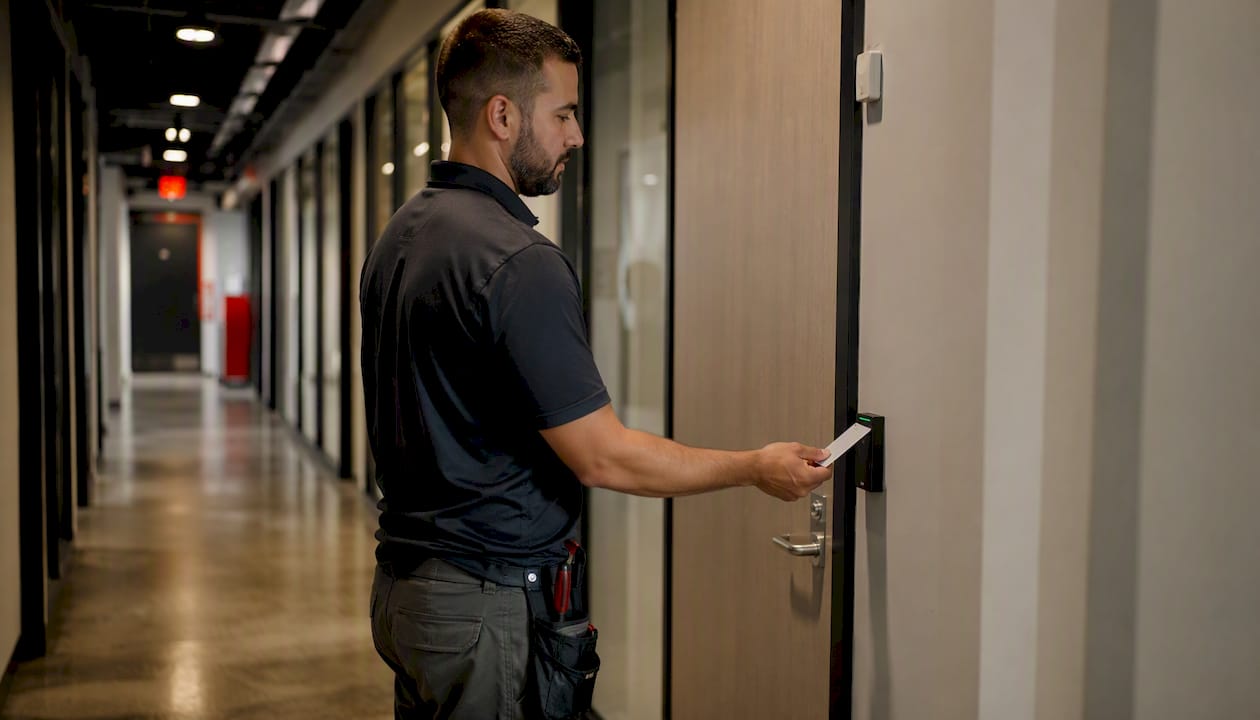
A site survey from Central Jersey Security Cameras takes the guesswork out of specifying an integrated access and camera system. The survey covers door inventory, reader placement, camera sightlines, power and network availability, and a budget-range estimate, all before you commit to hardware.

The service includes integrated access and camera design built around OSDP-enabled readers, mobile credential options, and unified video management. Every project is commissioned by the same technicians who installed it, with full documentation at handoff.
- Integrated access and camera design from a single provider
- OSDP-enabled readers and mobile credential support
- Commissioning, testing, and as-built documentation included
- Ongoing maintenance plans available
Schedule your site survey or browse home and commercial camera options to see what a fully integrated system looks like before your first conversation with a technician.
Sources
- What is physical access control? Everything you need to know
- What is physical access control? — Ambient AI
- Why Integrating Access Control and Video Management Changes Everything | ICT
- Access Control Systems: Components and Best Practices
- Commercial Security Systems Installation: A 2026 Guide – Overton Security Services