
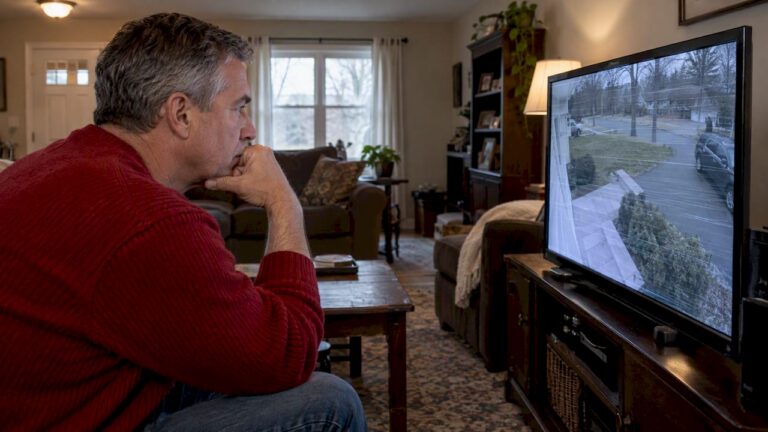
Rolling horizontal bars, sudden flicker tied to other equipment turning on, or lines that drift slowly up the screen almost always point to interference rather than a broken camera. Start by swapping in a known-good power source and checking whether the problem travels with a specific cable run. Those two checks alone resolve or narrow down most cases within minutes.
TL;DR:
- Rolling bars usually indicate a ground loop; if distortion follows the cable or DVR channel after swapping cameras, suspect interference along that signal path.
- Swap to a separate circuit or battery, then test a short known good cable and another DVR input, changing one variable at a time.
- For rolling bars, correct shared grounding or add a video isolator near the DVR; never disconnect a safety ground because it creates shock risk.
- A sudden loss across multiple wireless cameras can indicate radio jamming; wired coax or Ethernet feeds are less vulnerable because signals travel through cable.
- If basic swaps fail, suspected jamming arises, or roof camera grounding is involved, have a professional measure ground differences and verify the repair over time.
Table of Contents
- How interference looks compared to a camera or sensor fault
- What actually causes CCTV interference
- A step-by-step way to find the source
- Fixes that resolve most interference cases
- When a professional installer should take over
- Rules of thumb from years of chasing bad video feeds
- How we help when interference won’t go away
- FAQ
- Sources
How interference looks compared to a camera or sensor fault
Interference tends to show up as patterns, not random glitches. The most common signs are horizontal or vertical lines, slowly rolling bands, synchronous flicker that matches a light fixture or motorcycle, a faint hum on audio channels, or brief blackouts that return on their own.
- Rolling horizontal bars that drift slowly usually mean a ground loop, not a dying sensor.
- Flicker tied to a schedule, like an HVAC unit kicking on or fluorescent lights switching, points to a shared circuit or radiated noise.
- Static snow or total signal loss that happens once and never repeats is more often a loose connector or failing camera than interference.
A few swap tests separate the two quickly. Move the camera to a different channel or DVR port, swap in a different cable, and check whether infrared performance and focus still behave normally at night. If the distortion follows the camera to a new port, the camera or its connector is suspect. If it stays on the same cable or channel regardless of which camera is attached, interference on that signal path is the likely cause.
What actually causes CCTV interference
Most interference traces back to one of five sources, and each leaves a slightly different signature.
- Ground loops and common-mode noise: when two connected devices sit at different ground potentials, the resulting current flows through the video cable shield and produces the classic rolling horizontal bars. A video ground loop isolator installed at the DVR end breaks that loop while letting the video signal pass, and it typically stops the tearing and cross talk that ground differences cause.
- Noisy power supplies: cheap DC adapters and poorly filtered PoE injectors can inject ripple onto the power rail, which shows up as banding or flicker. Isolated DC/DC converters and PoE boards that lack proper filtering are known sources of conducted and radiated emissions that couple onto the cable shield.
- Cable and connector problems: unshielded Ethernet runs, corroded or loose BNC connectors, and coils of surplus cable left bundled near the camera can all act like antennas or inductors, picking up noise they shouldn’t.
- Radiated EMI: motors, fluorescent or LED driver circuits, nearby radio transmitters, and occasionally intentional jammers all radiate energy that a poorly shielded cable run can pick up.
- Camera auto-adjust behavior: modern cameras constantly tune exposure and gain, and that process can mimic interference on video analytics systems even when nothing external is wrong. One technical paper found that reducing maximum exposure time cut detection fluctuation noticeably in a test scenario, which shows the effect is measurable and correctable through camera settings rather than cabling.
A step-by-step way to find the source
Work through these tests in order, from simplest to most involved, and note what changes at each step.
- Swap the power source. Plug the camera into a different outlet, ideally on a separate circuit, or try a battery pack if one is available, to see if ripple from the original supply was the cause.
- Isolate the signal path. Move the camera to a different channel or DVR input, and test with a short, known-good cable instead of the installed run.
- Correlate timing. Note whether the disturbance lines up with specific times of day or with other equipment, like HVAC compressors or shop machinery, cycling on and off.
- Check for radiated sources. Hold a phone or handheld radio near the camera and cable run; a sudden spike in static or a dropped feed suggests a nearby RF transmitter or jammer.
- Add a temporary isolator. Install a ground loop isolator in the video path, or power the camera from a separate, isolated supply, and watch whether the problem clears. Technicians commonly test with a battery or isolated supply first to confirm whether the noise is conducted through power or radiated into the cable.
Pro Tip: Change only one variable at a time and retest the feed for at least a few minutes before moving to the next step, since intermittent noise sources can take time to show up again.
Fixes that resolve most interference cases
Once the source is identified, the fix is usually straightforward.
- Correct grounding first. Tie all connected equipment to a single common ground point, since mismatched grounds are the root cause of most rolling-bar interference.
- Install a ground loop isolator in the video path near the DVR, which breaks the ground loop current while passing the video signal cleanly.
- Upgrade cabling to shielded coax or shielded twisted-pair Ethernet for PoE runs, and avoid routing cable parallel to mains wiring. Crossing power lines at a 90-degree angle and dressing excess cable in gentle S-curves instead of tight coils reduces induced noise, a practice detailed in guides on security camera wiring installation.
- Replace noisy power adapters with quality, well-filtered supplies, and choose PoE switches with documented low emissions rather than generic unbranded units.
- Add ferrite beads or shielding around cable runs suspected of picking up radiated noise, and relocate antennas or known transmitters a few feet away when possible.
Pro Tip: Never disconnect a safety ground to chase away interference. Use an isolator or filter instead, since removing grounding creates a shock hazard without reliably fixing the noise.
When a professional installer should take over
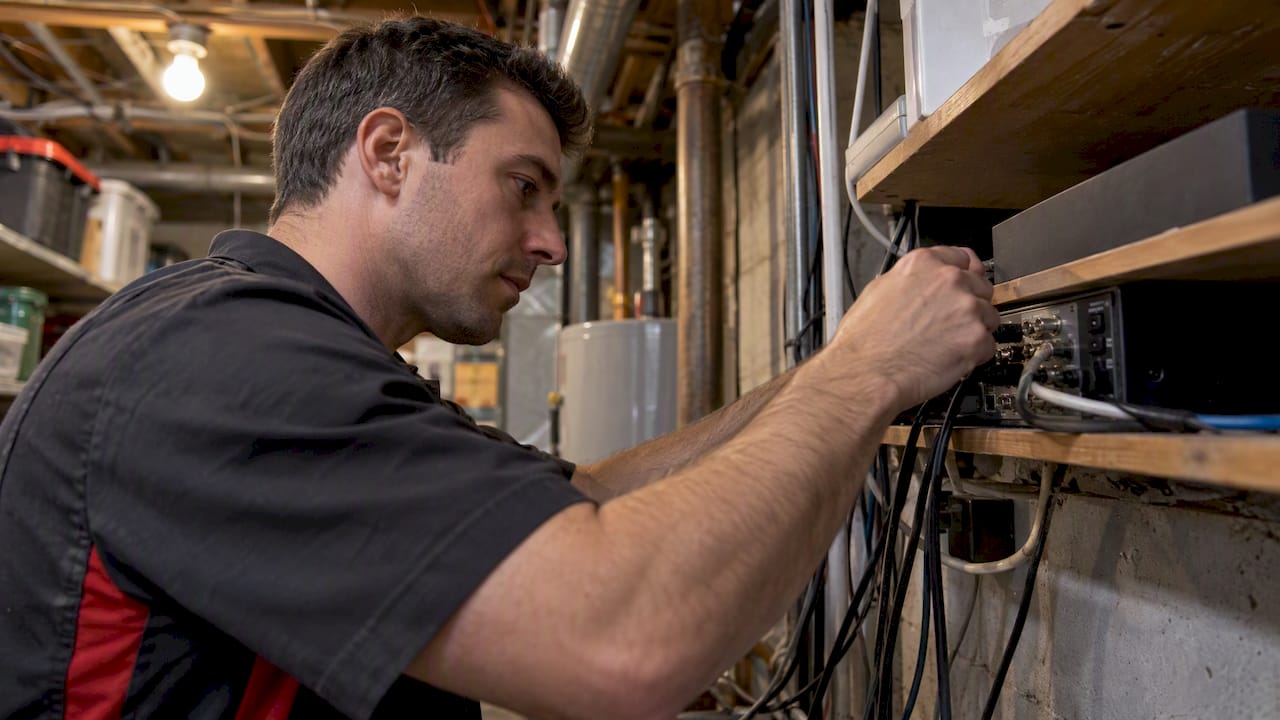
Some interference sources are difficult to fix safely without the right test equipment. It makes sense to call a professional when the issue persists after basic swaps, when a roof-mounted camera interacts with satellite or antenna grounding, when RF jamming is suspected, or when code-compliant bonding is required.
On-site, a professional installer typically:
- Measures ground potential differences between devices with a meter rather than guessing.
- Re-bonds equipment to a single ground point following local electrical code.
- Replaces suspect cable runs with properly shielded coax or Ethernet.
- Swaps in tested, low-emission power supplies and PoE switches.
- Validates the fix by monitoring the feed over time rather than a single quick check.
We provide free on-site evaluations as part of our New Jersey security camera installation services, which lets a technician trace interference back to its source instead of guessing at fixes.
Rules of thumb from years of chasing bad video feeds
Interference troubleshooting rewards patience more than guesswork. Never remove a safety ground to make a problem disappear: that step trades a video glitch for a shock risk, and it rarely fixes the root cause anyway. Avoid coiling extra cable at the camera or DVR end since a coil behaves like an inductor and can make radiated noise worse rather than better. Route cable in loose S-patterns and cross any power lines at right angles. Write down every change made during testing and retest the feed after each one, because interference sources often overlap and a fix that seems to work can mask a second problem underneath.
— Tom
How we help when interference won’t go away
When basic swaps and cable checks don’t clear the picture, a site visit usually finds what a remote guess cannot. Our technicians bring the meters and test equipment to measure ground differentials, trace noisy power supplies, and confirm whether a PoE switch or an outside RF source is to blame.

Our New Jersey security camera installation service covers the full fix, from re-bonding grounds and replacing damaged cable runs to swapping in quality power supplies and validating the feed afterward. We also offer ongoing service and support so a fix holds up over time rather than reappearing in a few months, and our alarm monitoring services run $24.95 to $29.95 per month for properties that want continuous oversight alongside a clean video feed. Current installation fees are detailed on the company’s pricing page.
- On-site evaluation to pinpoint the interference source before any parts are replaced.
- Grounding remediation and shielded cable replacement where testing confirms the need.
- Power supply and PoE switch upgrades selected for low emissions.
- Post-fix validation so the feed stays clean over time.
Reach out through our security camera services page to schedule an evaluation for a property anywhere we serve across Central New Jersey.
FAQ
Can someone interfere with my security camera?
Yes, wired cameras can suffer from ground loops, noisy power supplies, and radiated electrical noise, while wireless and IP cameras can also be affected by RF interference from other devices or, in rare cases, an intentional jammer. Most cases trace back to grounding or cabling issues rather than deliberate tampering.
Do jammers work on CCTV?
A jammer can disrupt wireless camera links or Wi-Fi-connected IP cameras by flooding the radio frequency a camera uses to transmit, causing a sudden loss of signal. Wired analog cameras connected by coax or Ethernet are far less vulnerable since the signal travels through a physical cable rather than open air.
How to detect a camera jammer?
A sudden, simultaneous loss of feed across multiple wireless cameras, especially ones on different channels, is the clearest sign of RF jamming rather than a routine fault. Holding a phone or handheld radio near the affected area can sometimes reveal unusual static or signal disruption that confirms a strong nearby RF source.
How can I tell if bad weather is affecting my CCTV signal?
Moisture intrusion at connectors, temperature swings that affect cable expansion, and wind-driven cable movement can all introduce intermittent noise that looks similar to electrical interference. Checking connector seals and cable strain relief after storms helps rule out weather as the cause before assuming an electrical source.
Does nearby Wi-Fi cause interference with IP cameras?
Wi-Fi networks operating on overlapping channels can cause dropped frames or lag on wireless IP cameras, particularly in buildings with several routers competing for the same frequency band. Switching the camera or router to a less congested channel, or moving to a wired connection, usually resolves the conflict.
Sources
- CCTV ground loop problems (epanorama)
- Ground loop isolator manual (NSTX PPPL)
- Gigabit PoE interface from an EMC perspective (WE-online ANP122a)
- Why is the video analytics accuracy fluctuating, and what can we do about it? (arXiv)