
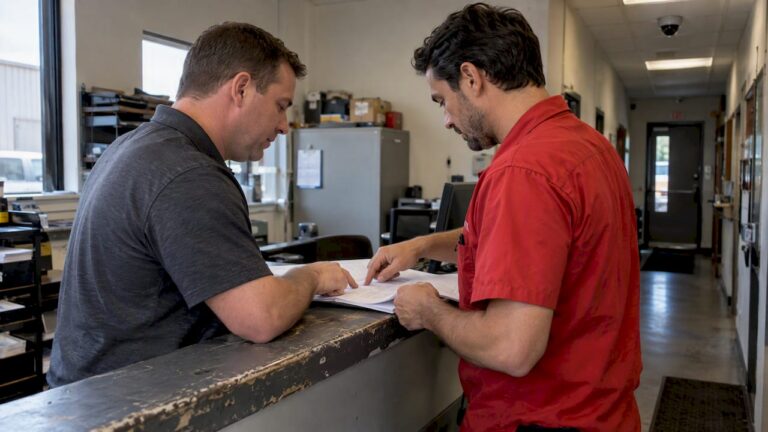
A solid security camera maintenance contract guarantees scheduled preventative visits, firmware and security updates, measurable SLA response times, clear parts and labor terms, and written inspection reports. Regular service is a common baseline, and pricing is usually tiered by system size and coverage level. If you want help with camera maintenance from a local professional, Central Jersey Security Cameras is one option.
TL;DR:
- Require the contract to name every covered device, document exclusions and access rules, and provide photos, playback tests, ticket logs, and signed inspection reports after visits.
- Set response targets according to outage risk, define whether response means onsite arrival or remote repair, and attach service credits for missed deadlines.
- Schedule outdoor cleaning monthly and indoor cleaning quarterly; perform firmware updates and recording checks quarterly, plus a full system audit annually.
- Compare annual quotes per camera per month, then check included labor, parts, warranty work, travel, monitoring, and whether fees apply per visit or incident.
- Unsupported cameras no longer receive security fixes, so contracts should require vendors to flag end of life models and quote replacements.
Table of Contents
- What should a CCTV maintenance contract include?
- Which service levels and SLAs should you demand?
- What maintenance schedule and checklist should be attached as Exhibit A?
- How do providers price camera maintenance contracts?
- Which contract clauses belong in your SOW?
- Why does professional maintenance matter for cybersecurity?
- Why most owners underbuy maintenance coverage
- How can we help you set up a maintenance contract?
- FAQ
- Sources
What should a CCTV maintenance contract include?
Start with scope. A contract that says “maintain the system” without naming equipment gives the vendor room to skip work and gives you no basis for a complaint. Require the contract to list:
- Every covered device: cameras, NVRs, mounts, power supplies and PoE switches
- Software and VMS licenses, plus remote-monitoring services if they are part of the deal
- Written inspection reports after every visit
- Photographic evidence of cleaning, aiming and repairs
- A recorded playback test for each camera
- Ticketing logs and scheduled work orders you can review
Exclusions deserve equal attention. Vandalism, acts of God and end-of-life hardware are the usual carve-outs, so define each one in a sentence. “Vandalism” should say whether lens replacement after a documented incident is billable. “End-of-life” should say who tells you a model is unsupported and by when.
Finally, write in access terms: key or code handoff, a named site contact and safety clearances, so technicians can actually do the scheduled work.
Which service levels and SLAs should you demand?
Match the response band to what a camera outage costs you. A parking lot with a single camera may be fine with next business day. A warehouse loading dock, a retail entrance or a property with a recent break-in history usually justifies a prompt response commitment, and an emergency response commitment belongs on sites where a blind spot creates immediate liability.
- Repair vs. replace: Spell out when the vendor repairs a unit and when it swaps it. Set a maximum replacement window, for example a swap within a stated number of business days of diagnosis, and require the vendor to state parts lead times in writing.
- Measurable reporting: Require ticket open and close timestamps, completion proof such as photos or logs, and a monthly status report.
- Escalation and penalties: Name who the vendor escalates to when a ticket stalls, and attach a service credit to each missed SLA.
Public agreements show this structure in practice. One city’s annual service agreement for its camera network pairs remote management and network monitoring with bi-annual cleaning and next-day response.
Pro Tip: Ask every bidder to define “response” as a technician on site or a remote fix started, not an automated acknowledgment email.
What maintenance schedule and checklist should be attached as Exhibit A?
Put the cadence in the contract itself, as an attached exhibit, so every obligation is explicit. Axis Communications recommends cleaning lenses and housings monthly for outdoor cameras and quarterly for indoor units, with firmware updates and recording verification done quarterly. Add a full-system audit once a year.
Here is a checklist you can copy into Exhibit A:
- Clean housings and lenses (monthly outdoors, quarterly indoors).
- Verify camera angles and mount stability, and re-aim any drifted units.
- Check power and PoE draw at each camera and switch port.
- Test NVR recording and playback, and look for gaps in the footage.
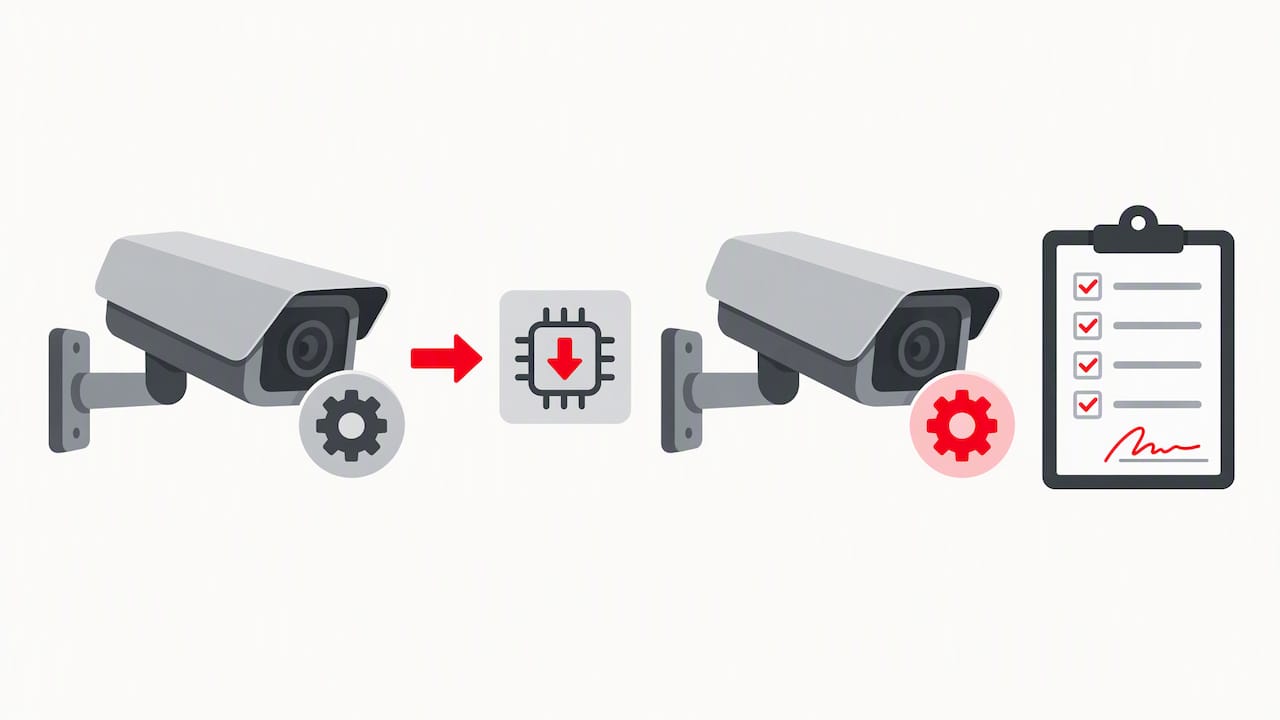
- Apply vendor firmware and software patches, and record the version numbers.
- Confirm time sync across cameras and the recorder, and review device logs.
- Photograph each completed task and sign the inspection form.
State how long inspection records and logs are kept, and how the vendor must handle defects found mid-visit: notify you promptly, quote the repair and log a ticket. For basic upkeep you can do between visits, our homeowner maintenance guide covers the essentials.
Pro Tip: Require the signed inspection form to list firmware versions before and after each visit. It proves patching happened.
How do providers price camera maintenance contracts?
Several pricing models are used, and bids often arrive in different formats, so convert them before you compare.
- Percentage of install cost: Some installers quote an annual fee as a share of the original installation price.
- Flat annual tiers: A fixed yearly fee per coverage level, often bundling firmware updates into the managed tier.
- Per-incident or per-visit: You pay for each call, which suits very small systems but makes budgets unpredictable.
Cost drivers include the number and type of cameras (PTZ, license plate recognition and 4K units take longer to service), remote-monitoring subscriptions, travel and onsite labor, spare-part needs and whether warranty work is included.
To compare bids, use a simple framework. For illustration, compare a vendor’s annual quote for a system by dividing it by the number of cameras, then by the number of months in the billing period. Divide every quote the same way, then check what each one actually covers.
Which contract clauses belong in your SOW?
Turn the checklist into enforceable language. Adapt these clauses:
- Term and renewal: A fixed term, with renewal requiring written notice rather than silent auto-renewal.
- Termination: The right to exit for repeated SLA misses without penalty.
- Liability and insurance: Stated limits and proof of the vendor’s coverage.
- Parts and labor warranty: What is covered, for how long, and whether replacements restart the clock.
- SLA and reporting: Response bands, replacement windows, timestamps and monthly reports.
- Access and confidentiality: Technician access rules and a promise not to share footage or site layouts.
- Cybersecurity: Periodic firmware updates, secure remote access methods, and vendor notification when a critical advisory affects your devices.
Attach exhibits covering the maintenance schedule, pricing and parts policy, and contact and escalation matrix.
Why does professional maintenance matter for cybersecurity?
Maintenance is a security control as well as an uptime measure. Practitioners note that regular firmware updates, often bundled into managed tiers, are the reliable way to patch the flaws attackers exploit. The advisories back this up: CISA reported remote code execution flaws in AVer PTC cameras and noted that the vendor released firmware fixes. A separate CISA advisory on a Johnson Controls device recommends applying vendor updates, limiting internet exposure, segmenting the network and rotating shared credentials.
Apply vendor firmware updates, restrict access to trusted management networks and limit internet exposure of control devices.
Writing these duties into the contract makes someone accountable for them. For deeper background, see our commercial camera cybersecurity basics.
Why most owners underbuy maintenance coverage
Owners tend to shop for the lowest annual fee and treat the SLA as fine print. I think that gets it backwards. A cheap plan with no response commitment is a visit schedule, not protection, and you find out the difference after an incident, when footage is missing. A contract that documents firmware versions and patch dates is also one of the few ways you can prove diligence later. Size matters here: a single-building home system can live with a basic plan, but a large commercial site should want a managed tier with documented SLAs, a standing patch schedule, a clear spare-parts policy and inspection evidence every visit.
— Tom
How can we help you set up a maintenance contract?

We design, install and service surveillance systems across Central New Jersey. Here is what we can include:
- A free on-site evaluation of your cameras, recorder and network
- A discussion of your maintenance needs and service options
- Ongoing service and support for your surveillance system
- Monitoring integration if you want alarm or remote coverage
Ask us about service and support for your site. Start from our security camera installation and service page to request your evaluation. Commercial properties can also see our commercial installation and repair services.
FAQ
What are the maintenance requirements for security cameras?
Cameras need regular cleaning, firmware updates, recording checks and mount verification. Axis recommends monthly cleaning for outdoor units and quarterly firmware updates and recording verification. Add an annual full-system audit.
What should be included in a maintenance contract?
A solid contract names every covered device and sets response times, parts and labor terms, and reporting duties. It should also state exclusions plainly and require firmware patching. Attach the schedule, pricing policy and escalation contacts as exhibits.
What should be included in a CCTV maintenance checklist?
Include housing and lens cleaning, angle and mount checks, power and PoE tests, NVR playback tests, firmware patching and time sync verification. Finish each visit with photos and a signed inspection form. Retired hardware should be flagged, since CISA advises replacing unsupported camera models.
Should I replace end-of-life cameras instead of maintaining them?
Usually yes. Unsupported cameras stop receiving security fixes, so maintenance cannot close their known flaws. Your contract should require the vendor to flag end-of-life models and quote replacements.