
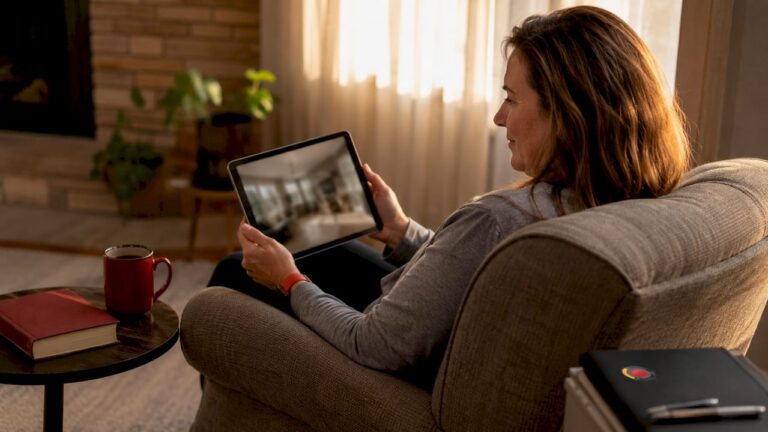
Camera monitoring for elderly parents is defined as the use of video surveillance in shared home spaces to track daily activity patterns and detect safety emergencies in real time. Adult children living away from aging parents rely on this technology to observe routine behavior remotely, without requiring constant phone calls or in-person visits. The industry term for this application is remote monitoring for elderly, and it sits at the intersection of home security and caregiving. Understanding how camera systems monitor elderly parents is the first step toward choosing a setup that protects your parent while preserving their dignity.
How do camera systems monitor elderly parents?
Camera systems monitor elderly parents by capturing continuous or motion-triggered video in common home areas, then streaming that footage to a smartphone or computer app. The goal is not constant surveillance. Industry guidance recommends focusing cameras on high-traffic areas like kitchens, living rooms, and entryways to detect deviations from daily routine rather than watch every moment. A parent who normally makes coffee at 8 a.m. but has not moved through the kitchen by 10 a.m. triggers concern. That pattern recognition is the real value of camera monitoring.
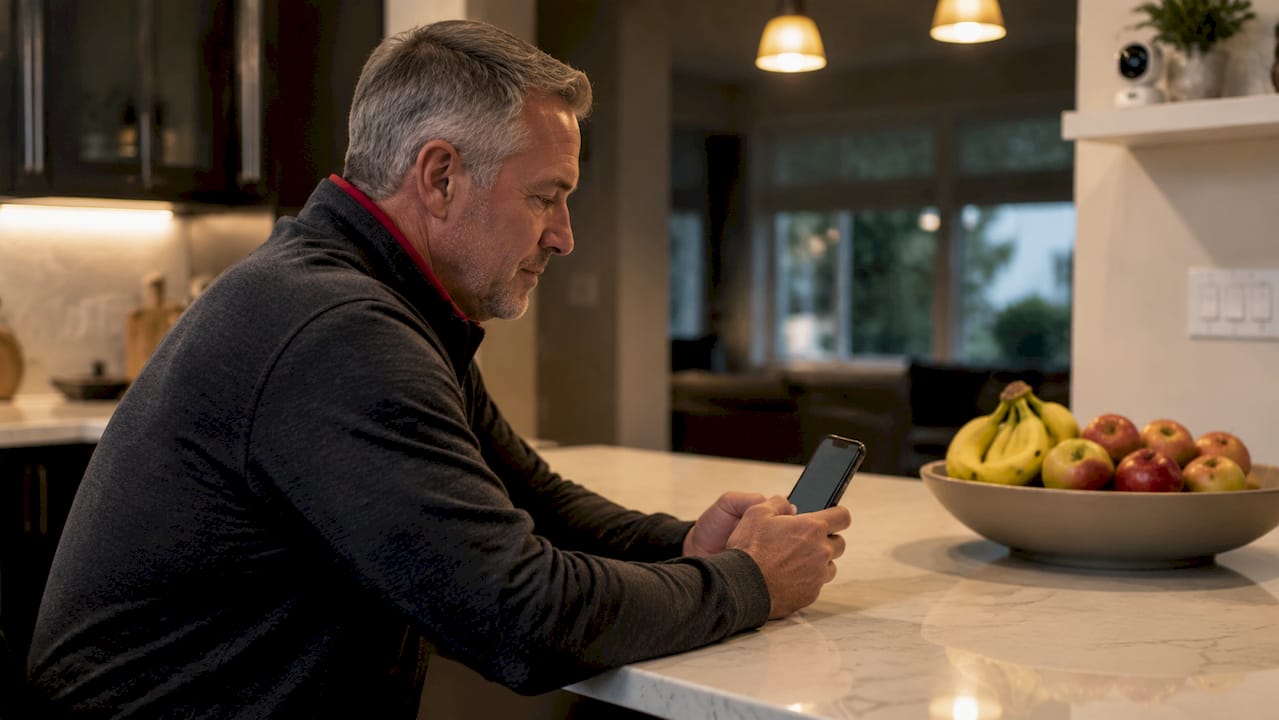
Modern systems transmit footage over Wi-Fi to a secure app. Most platforms send push notifications when motion is detected, so you are alerted only when something happens. Two-way audio lets you speak directly through the camera, which means you can check in visually and talk through a situation without picking up the phone. That feature alone reduces worry and keeps connection alive between visits.
What features matter most in cameras for elderly care?
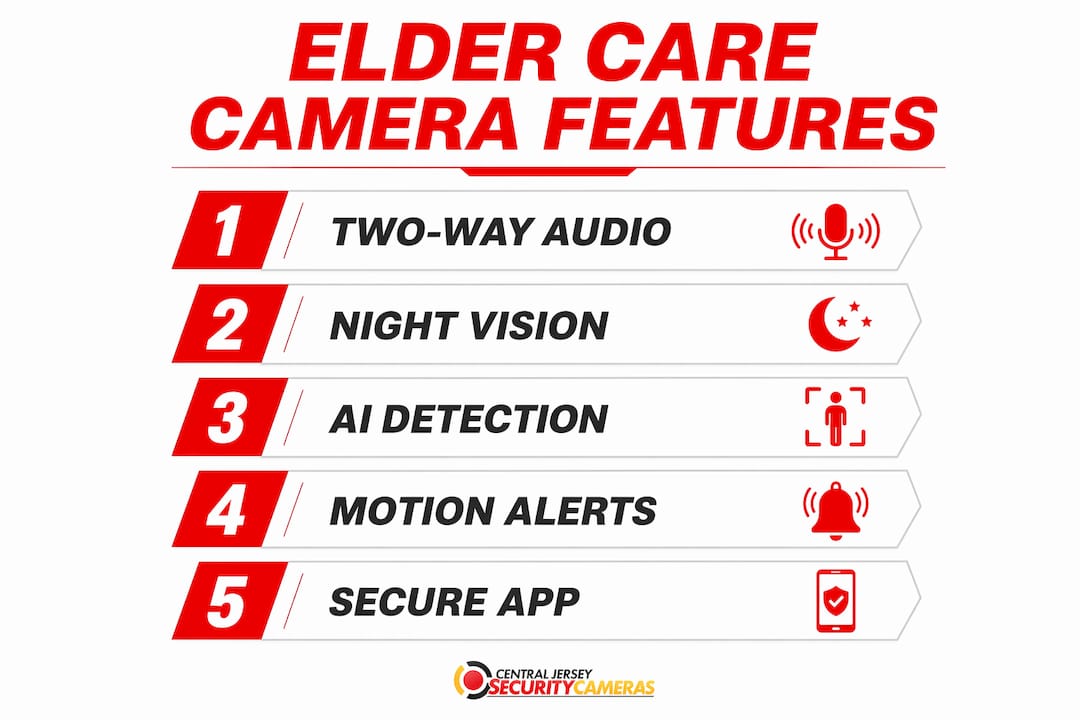
The right camera features determine whether a system actually helps or just adds noise to your day. These are the capabilities that make the biggest difference for elder care monitoring:
- Two-way audio. Lets you speak to your parent through the camera and hear their response. This is the feature that turns a camera into a communication tool, not just a lens.
- Night vision. Falls and disorientation happen most often at night. Infrared night vision captures clear footage in complete darkness, which is where standard cameras fail.
- AI motion detection. Basic motion detection triggers on shadows, pets, and curtains. AI-powered detection filters for human movement specifically, which cuts false alerts dramatically.
- Pan-and-tilt capability. A PTZ (pan-tilt-zoom) camera covers an entire room from one mount point. That reduces the number of cameras needed and limits the feeling of being watched.
- Local vs. cloud storage. Many systems now offer subscription-free local storage via an NVR (network video recorder) or SD card. Cloud storage is convenient but adds a monthly fee. For long-term elder care, local storage is often the more cost-effective choice.
Pro Tip: Test the camera’s app on your own phone before installation. If you find the interface confusing, your parent will too. App usability directly affects how often you actually check in.
Reliable Wi-Fi is as important as the camera itself. Slow or unstable video feeds increase stress rather than reduce it. Before installing any system, run a Wi-Fi speed test in each room where a camera will go.
Where should you place cameras to respect privacy?
Camera placement is the most ethically sensitive decision in elder care monitoring. The rule is straightforward: cameras belong in shared spaces, never in private ones. Industry standards prohibit placing cameras in bathrooms or private bedrooms to protect dignity and comply with privacy laws. Violating this boundary damages trust and, in some states, carries legal consequences.
The best placement locations for elder monitoring are:
- Kitchen. The most reliable indicator of daily routine. Meal preparation, medication schedules, and morning activity all pass through here.
- Living room. Where most waking hours are spent. A single wide-angle or PTZ camera covers the space without requiring multiple units.
- Main entryway. Captures arrivals and departures, which matters if your parent drives or goes for walks.
- Staircase landing. A high-risk area for falls. A camera here provides both safety monitoring and post-incident footage.
Pro Tip: Configure activity zones within the camera app to focus alerts on specific areas of a room. A camera in the living room does not need to alert you every time a ceiling fan moves.
Consent is not optional. Seniors are significantly more accepting of monitoring technology when they understand what is being recorded and retain control over the device. Sit down with your parent, show them the app, and explain exactly what you can see. Teach them how to use a privacy mode or physically cover the lens when they want time alone. That single conversation changes the dynamic from surveillance to shared safety.
Camera installation is a negotiation, not a technical deployment. Parents who feel the system was imposed on them will unplug it. Parents who helped choose the placement and understand the controls will trust it.
How do cameras fit into a broader elder care strategy?
Cameras alone are not a complete safety net. The most effective approach to monitoring elderly loved ones combines cameras with complementary tools that cover what video cannot detect.
- Wearable medical alert devices. A camera cannot call for help. Combining cameras with wearable alert devices creates a layered system where passive observation and active emergency response work together. If your parent falls out of frame, a wearable with a fall detection button fills the gap.
- Door and window sensors. These alert you when an exterior door opens at an unusual hour, which cameras may not capture clearly depending on angle and lighting.
- Motion sensors. Passive infrared sensors in hallways confirm movement without video, which some parents find less intrusive.
AI-powered radar sensing represents a newer category worth knowing about. These devices detect falls, monitor gait patterns, and track heart rate without any video or audio recording. They process data locally and can comply with health information standards like HIPAA. For parents who refuse cameras entirely, radar sensing offers a privacy-conscious middle ground.
Frame monitoring as a tool for independence, not a sign of decline. The goal is to help your parent stay in their own home longer. That framing, repeated in conversations, shifts the emotional weight of the technology from loss of autonomy to gain of safety.
What are the most common pitfalls in elder monitoring setups?
Most elder monitoring systems fail not because of bad hardware but because of poor configuration and communication. These are the mistakes that undermine otherwise solid setups:
- Ignoring alert fatigue. Unfiltered notifications train caregivers to ignore alerts. When every gust of wind triggers a push notification, the real alerts get buried. Configuring human detection, activity zones, and alert schedules is not optional. It is the difference between a system that works and one that gets turned off.
- Skipping the Wi-Fi check. A camera that buffers or disconnects creates more anxiety than no camera at all. Test signal strength at each camera location before mounting anything.
- Installing without a conversation. Parents who feel surveilled will find ways to disable the system. Involve your parent in every step, from choosing camera locations to setting up the app on their phone.
- Over-monitoring. Checking the feed every hour is not caregiving. It is anxiety. Set a schedule for check-ins and rely on alerts for the rest. Constant watching is exhausting and erodes your parent’s sense of privacy.
- Neglecting system maintenance. Cameras need firmware updates, lens cleaning, and occasional Wi-Fi reconnection. A camera that has been offline for two weeks provides zero safety benefit.
Pro Tip: Set a recurring monthly reminder to verify that every camera is online, recording, and sending alerts correctly. Five minutes of maintenance prevents weeks of false security.
Key takeaways
Camera systems for elderly parents work best when features, placement, consent, and system integration are all addressed together, not treated as separate decisions.
| Point | Details |
|---|---|
| Placement drives privacy | Limit cameras to kitchens, living rooms, and entryways; never install in bedrooms or bathrooms. |
| Consent increases adoption | Seniors who control their own monitoring system are far less likely to disable it. |
| AI detection reduces noise | Configuring human-only detection and activity zones prevents alert fatigue and keeps notifications meaningful. |
| Cameras need companions | Pair cameras with wearable alert devices and door sensors to cover emergencies that video alone cannot catch. |
| Wi-Fi quality is non-negotiable | A slow or unstable connection makes remote monitoring unreliable and increases caregiver stress. |
What I’ve learned from watching families set up elder monitoring
Most adult children approach elder monitoring as a technology problem. They research cameras, compare specs, and order hardware. Then they install it while their parent sits in another room. That is the mistake I see most often, and it is the one that causes the most friction.
The families who get this right treat the setup conversation as the most important step, not the installation itself. They sit with their parent, explain what the camera sees, show them how to pause recording, and ask where they would feel comfortable having a camera. That conversation takes 20 minutes. It prevents months of resistance.
The other thing I have noticed is that people underestimate how much alert fatigue affects their own behavior. You start checking every notification. Then you start ignoring them. Then the system becomes furniture. Tuning AI detection settings is tedious work, but it is the only way to keep the system meaningful over time.
Camera technology for elder care is genuinely useful. It gives adult children real peace of mind and gives parents a way to stay in their homes longer. But the technology only works when the relationship around it is healthy. The camera is not the caregiver. You are.
— Tom
Professional camera installation for elder care in New Jersey
Choosing the right camera system for an aging parent is one decision. Getting it installed correctly, configured for privacy, and set up with the right features is another.

Central Jersey Security Cameras installs professionally designed home security camera systems throughout Central New Jersey, including Ocean County, Monmouth County, Middlesex County, and Mercer County. Every installation includes proper placement for common areas, two-way audio configuration, AI motion detection setup, and guidance on privacy controls. There are no subscription fees for local recording, and every system is built for long-term reliability. Contact Central Jersey Security Cameras to discuss a custom camera setup designed around your parent’s home and your family’s specific needs.
FAQ
What areas of the home should cameras monitor for elderly parents?
Cameras belong in high-traffic common areas: the kitchen, living room, main entryway, and staircase. Bathrooms and private bedrooms are off-limits under both industry standards and most state privacy laws.
Do I need my parent’s consent to install a monitoring camera?
Consent is both an ethical requirement and a practical one. Seniors who understand what is monitored and retain control over the device are significantly more likely to accept and keep the system active.
What camera features are most useful for monitoring elderly loved ones?
Two-way audio, night vision, and AI human detection are the three features that matter most. AI detection reduces false alerts, night vision covers the highest-risk hours, and two-way audio turns the camera into a direct communication tool.
Can cameras replace wearable medical alert devices for elderly parents?
Cameras and wearables serve different functions. Cameras provide passive visual monitoring, while wearables allow a parent to call for help directly. The most effective elder care setups use both together.
How do I prevent alert fatigue when monitoring an elderly parent remotely?
Configure human-only detection, set activity zones to focus on specific areas, and schedule alerts for relevant hours only. Iterative tuning of these settings over the first few weeks keeps notifications meaningful and prevents caregivers from ignoring them.